Command Palette

Search for a command to run...

Integrate Robokassa Payment into Storefront

To integrate the Robokassa payment provider into the Medusa DTC Starter by Gorgo storefront, start by adding the required UI components, so the provider is displayed on the checkout page alongside other available payment methods.

When the customer selects Robokassa, the checkout initiates a payment session, and the provider creates it on Robokassa's side and returns the payment address. The payment button then sends the customer there, where they can choose a payment method.

Once the payment is completed, Robokassa concurrently sends a webhook and redirects the customer back to the storefront. Whichever event arrives first completes the cart and creates a new order in Medusa.

For the storefront on Next.js, you need to make the following changes:

Step 1: Configure Payment Provider

To make Robokassa available as a payment method on the storefront checkout page, you must add its configuration to the payment provider mapping in your storefront's constants file. This mapping determines how each payment provider is displayed in the UI.

Open and add the following code:
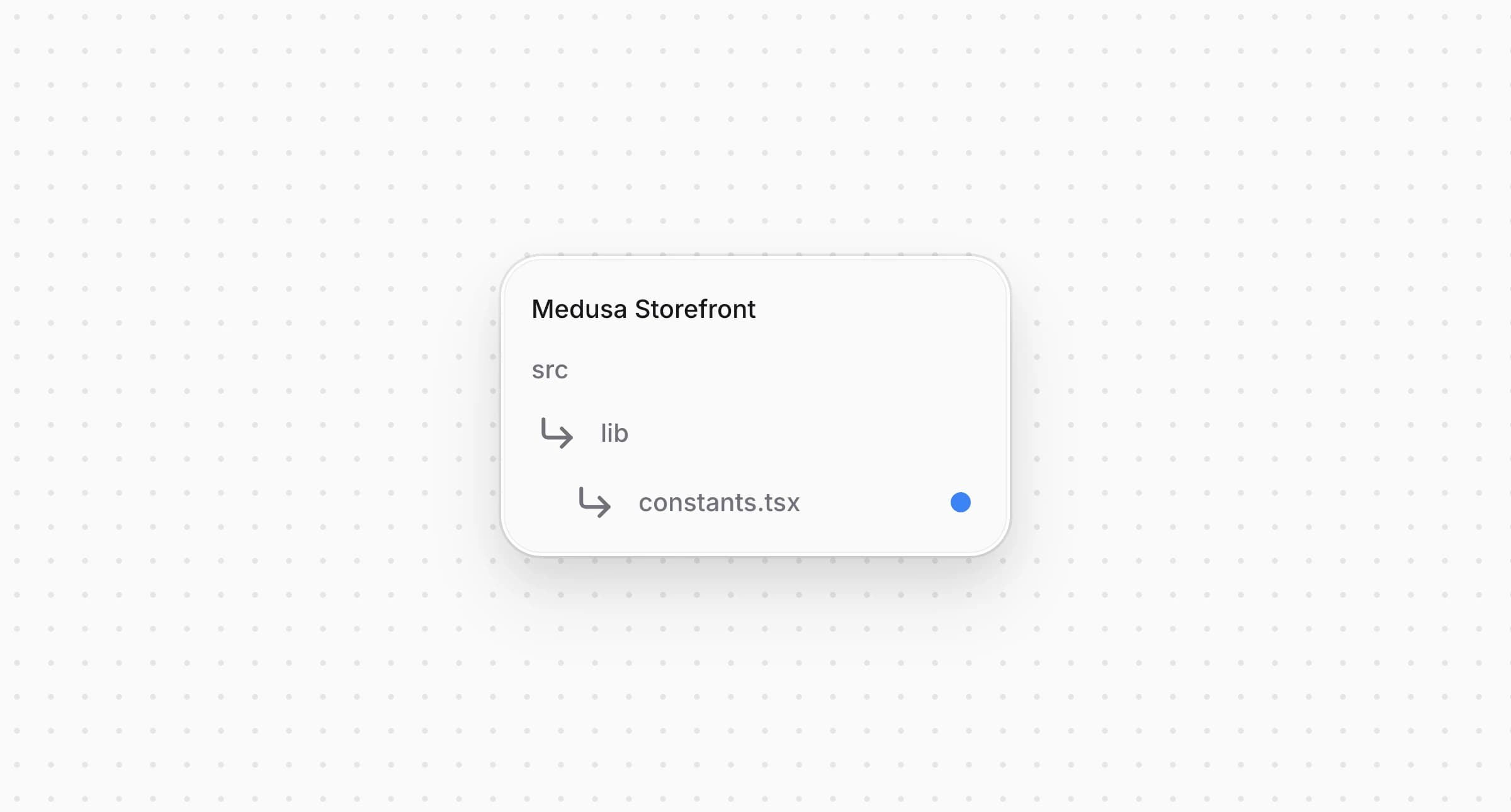
Directory structure in the Medusa Storefront after updating the file for constants

src/lib/constants.tsx
1export type PaymentInfo = {
2 title: string
3 subtitle?: string
4 icon: React.JSX.Element
5}
6
7export const paymentInfoMap: Record<string, PaymentInfo> = {
8 // ...
9 pp_robokassa_robokassa: {
10 title: "Robokassa",
11 subtitle: "Cards, SBP",
12 icon: <Robokassa />,
13 },
14 // ...
15}
16
17// ...
18
19export const isRobokassa = (providerId?: string) => {
20 return providerId?.startsWith("pp_robokassa")
21}

You extend the object to include a entry. This entry defines the title, the subtitle, and the icon that will be shown for Robokassa on the checkout page, and also serves as the fallback when a locale carries no translation.

The helper function checks whether a given belongs to Robokassa. It's used by the dispatcher below and by the session data builder in the next step.

Add the component for Robokassa:

src/modules/common/icons/robokassa.tsx
1import type React from "react"
2
3import type { IconProps } from "types/icon"
4
5const Robokassa: React.FC<IconProps> = ({
6 size = "16",
7 color: _color,
8 ...attributes
9}) => {
10 return (
11 <svg
12 width={size}
13 height={size}
14 viewBox="54 129 404 254"
15 role="img"
16 fill="none"
17 xmlns="http://www.w3.org/2000/svg"
18 {...attributes}
19 >
20 <title>Robokassa icon</title>
21 <path d="M239 129L54 383H274L458 129H239Z" fill="#333339" />
22 </svg>
23 )
24}
25
26export default Robokassa

This component is passed as in the entry. It displays the icon for the Robokassa payment method on the checkout page.


Step 2: Initialize Payment Session

To redirect a customer to Robokassa, the payment session must be properly initialized with the required parameters, including the return address for the post-payment callback and the shopping cart for generating receipts.

Open the same and add the active locale helper, the return address and the session data builder:

Directory structure in the Medusa Storefront after updating the file for constants

src/lib/constants.tsx
1/**
2 * The locale the checkout was rendered in. `<html lang>` carries it, so a
3 * payment page and the return from it both stay in the language the customer
4 * left the shop with.
5 */
6const activeLocale = () =>
7 typeof document === "undefined"
8 ? defaultLocale
9 : document.documentElement.lang || defaultLocale
10
11const paymentReturnUrl = (providerId: string, cartId: string) => {
12 const origin =
13 typeof window === "undefined" ? getBaseURL() : window.location.origin
14
15 return `${origin}/api/payment-return?provider=${providerId}&cart_id=${cartId}&locale=${activeLocale()}`
16}
17
18const paymentSessionDataBuilders: Array<{
19 test: (providerId?: string) => boolean | undefined
20 isReady?: (cart: HttpTypes.StoreCart) => boolean
21 build: (cart: HttpTypes.StoreCart) => Record<string, unknown>
22}> = [
23 {
24 test: (providerId) => isRobokassa(providerId),
25 // Robokassa builds a receipt out of the cart and takes the buyer's address
26 // for it. Initiating the session before the checkout collected them creates
27 // a payment without one.
28 isReady: (cart) => Boolean(cart.email && cart.shipping_address),
29 build: (cart) => {
30 const returnUrl = paymentReturnUrl("robokassa", cart.id)
31
32 return {
33 SuccessUrl2: returnUrl,
34 SuccessUrl2Method: "GET",
35 FailUrl2: returnUrl,
36 FailUrl2Method: "GET",
37 EMail: cart.email,
38 // Robokassa's own payment page speaks Russian or English.
39 Culture: activeLocale() === "ru" ? "ru" : "en",
40 cart,
41 }
42 },
43 },
44]

Robokassa needs the active locale for more than the return address, so it's factored out into its own helper rather than being inlined. passes and , both pointing at the same return address, their , the buyer's , and for the language Robokassa's own payment page opens in.

Both addresses point to your storefront's route and are used for both successful and failed payment attempts.

The object is included to build a receipt compliant with Federal Law No. 54.

holds the session back until the cart carries an email and a shipping address, since the receipt needs the buyer's address.


Step 3: Create Payment Button

The storefront needs a dedicated payment button component for each payment provider. Using the payment session data, it sends the customer to the Robokassa payment page. The order itself is placed later, when the customer comes back through , or earlier through the webhook if that arrives first.

Create and add the following code:

Directory structure in the Medusa Storefront after creating the file for the Robokassa payment button

src/modules/checkout/components/payment-button/providers/robokassa.tsx
1"use client"
2
3import type { HttpTypes } from "@medusajs/types"
4import { useTranslations } from "next-intl"
5import { useState } from "react"
6import { PaymentButtonShell, type PaymentProviderButtonProps } from "../shared"
7
8const paymentUrl = (cart: HttpTypes.StoreCart) => {
9 const session = cart.payment_collection?.payment_sessions?.find((s) =>
10 s.provider_id.startsWith("pp_robokassa")
11 )
12
13 return (session?.data as { paymentUrl?: string } | undefined)?.paymentUrl
14}
15
16/**
17 * Robokassa collects the payment on its own page. The session the checkout
18 * created carries the signed address to send the customer to, and the order is
19 * placed once they come back through `/api/payment-return` — or by the webhook,
20 * if that arrives first.
21 */
22const RobokassaPaymentButton = ({
23 cart,
24 notReady,
25 label,
26 cartUpdating,
27 "data-testid": dataTestId,
28}: PaymentProviderButtonProps) => {
29 const t = useTranslations("Errors")
30 const [submitting, setSubmitting] = useState(false)
31 const [errorMessage, setErrorMessage] = useState<string | null>(null)
32
33 const handlePayment = () => {
34 const url = paymentUrl(cart)
35
36 if (!url) {
37 setErrorMessage(t("paymentFailed"))
38 return
39 }
40
41 setSubmitting(true)
42 window.location.assign(url)
43 }
44
45 return (
46 <PaymentButtonShell
47 label={label}
48 onClick={handlePayment}
49 disabled={notReady}
50 loading={submitting || cartUpdating}
51 errorMessage={errorMessage}
52 errorTestId="robokassa-payment-error-message"
53 data-testid={dataTestId ?? "submit-order-button"}
54 />
55 )
56}
57
58export default RobokassaPaymentButton

This component finds the Robokassa in the active cart and extracts the value of . When the customer clicks the payment button, they're redirected to this URL to complete the payment on the Robokassa page.

If is missing, the button shows an error message instead of navigating anywhere.


Step 4: Register Payment Button

Import the button and in , then add a for it in the dispatcher's :
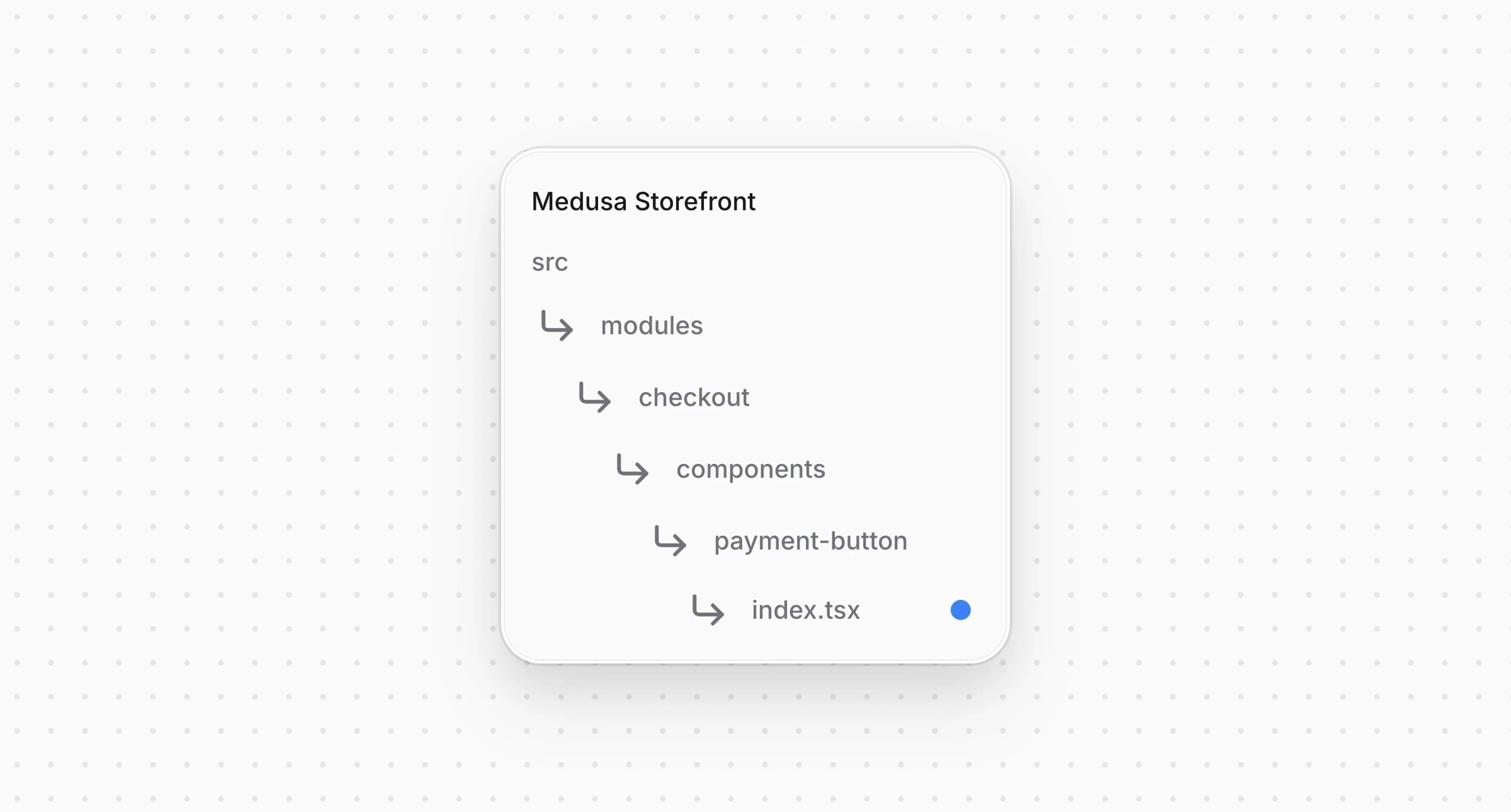
Directory structure in the Medusa Storefront after updating the file for payment button component

src/modules/checkout/components/payment-button/index.tsx
1import {
2 isManual,
3 isPaymentSessionReady,
4 isRobokassa,
5 isStripeLike,
6} from "@lib/constants"
7// ...
8import RobokassaPaymentButton from "./providers/robokassa"
9
10// ...
11
12 switch (true) {
13 // ...
14 case isRobokassa(activePaymentMethod):
15 return <RobokassaPaymentButton {...providerProps} />
16 default:
17 // ...
18 }

The parent uses to determine whether to display for the current session; otherwise it falls through to the next case.


Step 5: Handle Payment Return

After the customer completes payment on the Robokassa page, they're redirected back to the storefront. Robokassa reports the payment status through both this redirect and a webhook, so the shared route checks the cart for an order before placing one itself.

Open with the following content:

Directory structure in the Medusa Storefront after creating the file for API route

src/app/api/payment-return/route.ts
1type ReturnContext = {
2 cartId: string
3 locale: string
4 origin: string
5}
6
7/**
8 * Comes back from a provider that takes the customer to its own payment page
9 * and returns them with nothing but the cart id — Robokassa among them.
10 *
11 * The provider's webhook and this redirect race each other, and whichever
12 * arrives first places the order, so the cart is checked for an order before
13 * one is placed.
14 */
15async function redirectProviderReturn({
16 cartId,
17 locale,
18 origin,
19}: ReturnContext) {
20 const cart = await sdk.client
21 .fetch<HttpTypes.StoreCartResponse>(`/store/carts/${cartId}`, {
22 method: "GET",
23 query: { fields: "id,order_link.order_id" },
24 headers: { ...(await getAuthHeaders()) },
25 cache: "no-store",
26 })
27 .then(({ cart }) => cart)
28 .catch(() => null)
29
30 if (!cart) {
31 return NextResponse.redirect(
32 `${origin}/${locale}/cart?error=payment_failed`
33 )
34 }
35
36 const orderId = (cart as unknown as { order_link?: { order_id?: string } })
37 .order_link?.order_id
38
39 if (orderId) {
40 const orderCacheTag = await getCacheTag("orders")
41 revalidateTag(orderCacheTag)
42 await removeCartId()
43
44 return NextResponse.redirect(
45 `${origin}/${locale}/order/${orderId}/confirmed`
46 )
47 }
48
49 // The customer backed out or the payment was declined, so they land back on
50 // the checkout with their cart intact and can pick a method again.
51 await setCartId(cartId)
52
53 try {
54 await placeOrder(cartId)
55 } catch (error) {
56 unstable_rethrow(error)
57
58 return NextResponse.redirect(
59 `${origin}/${locale}/checkout?error=payment_failed`
60 )
61 }
62
63 return NextResponse.redirect(
64 `${origin}/${locale}/checkout?error=payment_failed`
65 )
66}

Then route Robokassa's return to , in :

src/app/api/payment-return/route.ts
1if (provider === "robokassa") {
2 return redirectProviderReturn({ cartId, locale, origin })
3 }

This route handles the return from Robokassa after a payment attempt. It always fetches the cart's latest state, uncached, so it doesn't miss changes made during payment.

If the cart already has an order, the confirmation already arrived through the webhook. The route revalidates the order cache, removes the cart cookie, and sends the customer to the confirmation page. This ensures a consistent post-payment experience while keeping storefront data up to date.

Otherwise the route tries to place the order itself. If successful, the customer ends up on the order confirmation page. If an error happens, the customer is sent back to the checkout with so they can pick a method again.


Step 6: Add Provider Labels to Storefront Locales

Add to and to every other locale under :

messages/en.json
1{
2 "PaymentMethods": {
3 // ...
4 "pp_robokassa_robokassa": {
5 "title": "Robokassa",
6 "subtitle": "Cards, SBP"
7 }
8 }
9}

A locale missing an entry falls back to the English and from in Step 1.


Full Storefront Integration Code Example

The complete storefront is located at , built on the Medusa DTC Starter by Gorgo. The example's own README lists every file the integration consists of, backend included.

Edited Sep 23, 2026·Edit this page