To integrate the Authorize.net payment provider into the Medusa DTC Starter by Gorgo storefront, start by adding the required UI components, so the provider is displayed on the checkout page alongside other available payment methods.
The checkout takes the card in its own form and hands it to Accept.js, the Authorize.net script that returns a one-time token for it. Picking Authorize.net makes no request. When the customer pays, the storefront turns the card into a token, starts a payment session with it and completes the cart, and the provider runs the transaction while the order is placed. Google Pay in the express checkout row pays the same way, with a Google Pay token.
The card number goes from the customer's browser straight to Authorize.net and never reaches your server. The card fields are part of your page, though, so Authorize.net counts this kind of integration as PCI DSS SAQ A-EP, as its Accept.js guide notes.
For the storefront on Next.js, you need to make the following changes:
The payment provider mapping in your storefront's constants file decides how each payment provider appears on the checkout page.
Open and add the entry and the helper:
src/lib/constants.tsx1export const paymentInfoMap: Record<string, PaymentInfo> = {2 pp_authorizenet_authorizenet: {3 title: "Authorize.net",4 subtitle: "Cards",5 icon: <CreditCard />,6 },7 // ...8}910// ...1112export const isAuthorizeNet = (providerId?: string) => {13 return providerId?.startsWith("pp_authorizenet_")14}
The entry defines the title, the subtitle, and the icon shown for Authorize.net on the checkout page, and also serves as the fallback when a locale carries no translation.
The helper function checks whether a given belongs to Authorize.net. The page, the payment section, the payment button and the express checkout row all use it.
The checkout starts a payment session as soon as the customer picks a method, unless the method's entry is marked . Authorize.net needs the card token in the session, and the token exists only once the customer pays, so its session waits for the pay button.
Open the same and add an entry to the payment session data builders:

src/lib/constants.tsx1const paymentSessionDataBuilders: Array<{2 // ...3}> = [4 {5 // The pay button turns the card into a one-time Accept.js token and starts the session with6 // it right before the order is placed, so picking Authorize.net makes no request.7 test: isAuthorizeNet,8 deferred: true,9 },10]
With , picking Authorize.net or changing the cart starts no session, and the pay button only waits for the contact, the addresses and the shipping. The session carries nothing but the token. The provider reads the amount from Medusa and the email and the addresses from the cart.
Accept.js needs the API Login ID and the Public Client Key of your account, and the Google Pay button needs the Google Pay settings. The plugin serves them at , so the storefront does not keep them in its environment.
src/lib/data/authorizenet.ts1"use server"23import { sdk } from "@lib/config"45/** What the storefront needs to run Accept.js and the Google Pay button, from `GET /store/authorizenet/config`. */6export type AuthorizeNetConfig = {7 provider_id: string8 environment: "sandbox" | "production"9 /** Accept.js sends the API Login ID and the Public Client Key in `authData`. Both are public by design. */10 api_login_id: string11 client_key: string12 /** `null` while Google Pay is off in the Admin. */13 google_pay: {14 environment: "TEST" | "PRODUCTION"15 gateway_merchant_id: string16 merchant_id: string | null17 } | null18}1920/**21 * The public Authorize.net settings of the only Authorize.net integration, or null while it is not22 * configured. They change only in the Admin, so the answer is cached for a minute.23 */24export async function getAuthorizeNetConfig(): Promise<AuthorizeNetConfig | null> {25 return sdk.client26 .fetch<{ config: AuthorizeNetConfig }>("/store/authorizenet/config", {27 method: "GET",28 next: { revalidate: 60 },29 })30 .then(({ config }) => config)31 .catch(() => null)32}
returns the public settings of the Authorize.net integration, or while it is not configured in Medusa Admin or cannot be read. The API Login ID and the Public Client Key are public by design, since Accept.js sends both from the browser, and the response carries no secret.
The pay button checks the card fields and turns them into a token. Two small files hold that logic.
src/lib/util/card.ts1/** The card fields of the Authorize.net form, as the customer typed them. */2export type CardFields = {3 number: string4 expiry: string5 cvc: string6}78export const EMPTY_CARD: CardFields = { number: "", expiry: "", cvc: "" }910/** A problem with the card fields, named after its key in the `AuthorizeNetCard` catalog. */11export type CardProblem = "invalidNumber" | "invalidExpiry" | "invalidCvc"1213export const digitsOnly = (value: string) => value.replace(/\D/g, "")1415/** Groups the digits by four, the way a card shows them: `4111 1111 1111 1111`. */16export const formatCardNumber = (value: string) =>17 digitsOnly(value)18 .slice(0, 19)19 .replace(/(\d{4})(?=\d)/g, "$1 ")2021/** `MM / YY` as the customer types it. */22export const formatExpiry = (value: string) => {23 const digits = digitsOnly(value).slice(0, 4)24 return digits.length > 2 ? `${digits.slice(0, 2)} / ${digits.slice(2)}` : digits25}2627/** The Luhn checksum every card number carries in its last digit. */28export const passesLuhn = (digits: string) => {29 let sum = 030 for (let i = 0; i < digits.length; i++) {31 let digit = Number(digits[digits.length - 1 - i])32 if (i % 2 === 1) {33 digit *= 234 if (digit > 9) digit -= 935 }36 sum += digit37 }38 return digits.length > 0 && sum % 10 === 039}4041/** The month and the four-digit year of `MM / YY`, or null when it is not a date. */42export const parseExpiry = (value: string) => {43 const digits = digitsOnly(value)44 if (digits.length !== 4) {45 return null46 }47 const month = Number(digits.slice(0, 2))48 if (month < 1 || month > 12) {49 return null50 }51 return { month: digits.slice(0, 2), year: `20${digits.slice(2)}` }52}5354/**55 * The first problem with the card fields, or null when they can go to Accept.js. The checks are56 * the ones Accept.js makes itself, done first so the customer reads them in their language.57 */58export const findCardProblem = (card: CardFields, now = new Date()): CardProblem | null => {59 const number = digitsOnly(card.number)60 if (number.length < 13 || number.length > 19 || !passesLuhn(number)) {61 return "invalidNumber"62 }63 const expiry = parseExpiry(card.expiry)64 const thisMonth = now.getFullYear() * 12 + now.getMonth() + 165 if (!expiry || Number(expiry.year) * 12 + Number(expiry.month) < thisMonth) {66 return "invalidExpiry"67 }68 if (!/^\d{3,4}$/.test(card.cvc)) {69 return "invalidCvc"70 }71 return null72}
and format the fields as the customer types. runs the checks Accept.js makes itself, the Luhn checksum, a future expiry date and a three- or four-digit security code, so the customer reads the problem in their own language before anything leaves the page.
src/lib/util/accept-js.ts1import { digitsOnly, parseExpiry, type CardFields } from "@lib/util/card"23/** The one-time token Accept.js returns for a card, which the backend charges. */4export type OpaqueData = {5 dataDescriptor: string6 dataValue: string7}89type AcceptResponse = {10 messages: {11 resultCode: "Ok" | "Error"12 message: { code: string; text: string }[]13 }14 opaqueData?: OpaqueData15}1617type AcceptJs = {18 dispatchData: (19 secureData: {20 authData: { clientKey: string; apiLoginID: string }21 cardData: { cardNumber: string; month: string; year: string; cardCode: string }22 },23 responseHandler: (response: AcceptResponse) => void24 ) => void25}2627declare global {28 interface Window {29 Accept?: AcceptJs30 }31}3233/** Accept.js from Authorize.net. It has to load from their domain; it cannot be bundled. */34export const ACCEPT_JS_URLS = {35 sandbox: "https://jstest.authorize.net/v1/Accept.js",36 production: "https://js.authorize.net/v1/Accept.js",37} as const3839/** An Accept.js failure, named after its key in the `AuthorizeNetCard` catalog. */40export type AcceptProblem = "invalidNumber" | "invalidExpiry" | "invalidCvc" | "insecure" | "tokenError"4142/** Accept.js error codes the customer can do something about. Every other code is `tokenError`. */43const PROBLEMS: Record<string, AcceptProblem> = {44 E_WC_02: "insecure",45 E_WC_05: "invalidNumber",46 E_WC_06: "invalidExpiry",47 E_WC_07: "invalidExpiry",48 E_WC_08: "invalidExpiry",49 E_WC_15: "invalidCvc",50}5152export class AcceptError extends Error {53 constructor(54 readonly problem: AcceptProblem,55 readonly code?: string56 ) {57 super(code ? `Accept.js ${code}` : "Accept.js failed")58 }59}6061/**62 * Sends the card to Authorize.net and resolves with the token. The card number never reaches the63 * shop's server: only the token does, and it is good for one transaction within 15 minutes.64 */65export function createCardToken(66 card: CardFields,67 auth: { apiLoginId: string; clientKey: string }68): Promise<OpaqueData> {69 const accept = typeof window === "undefined" ? undefined : window.Accept70 const expiry = parseExpiry(card.expiry)71 if (!accept) {72 return Promise.reject(new AcceptError("tokenError"))73 }74 if (!expiry) {75 return Promise.reject(new AcceptError("invalidExpiry"))76 }7778 return new Promise((resolve, reject) => {79 accept.dispatchData(80 {81 authData: { clientKey: auth.clientKey, apiLoginID: auth.apiLoginId },82 cardData: {83 cardNumber: digitsOnly(card.number),84 month: expiry.month,85 year: expiry.year,86 cardCode: card.cvc,87 },88 },89 (response) => {90 if (response.messages.resultCode === "Ok" && response.opaqueData) {91 resolve(response.opaqueData)92 return93 }94 const code = response.messages.message?.[0]?.code95 reject(new AcceptError(PROBLEMS[code ?? ""] ?? "tokenError", code))96 }97 )98 })99}
calls with the card and the two public values and resolves with the token. It turns the Accept.js error codes the customer can act on into the same problems as , and for a page that is not served over HTTPS. Every other code becomes .
Accept.js has to load from the Authorize.net domain, and the card form and the pay button sit in different parts of the checkout. A wrapper around the checkout loads the script and holds the card for both.
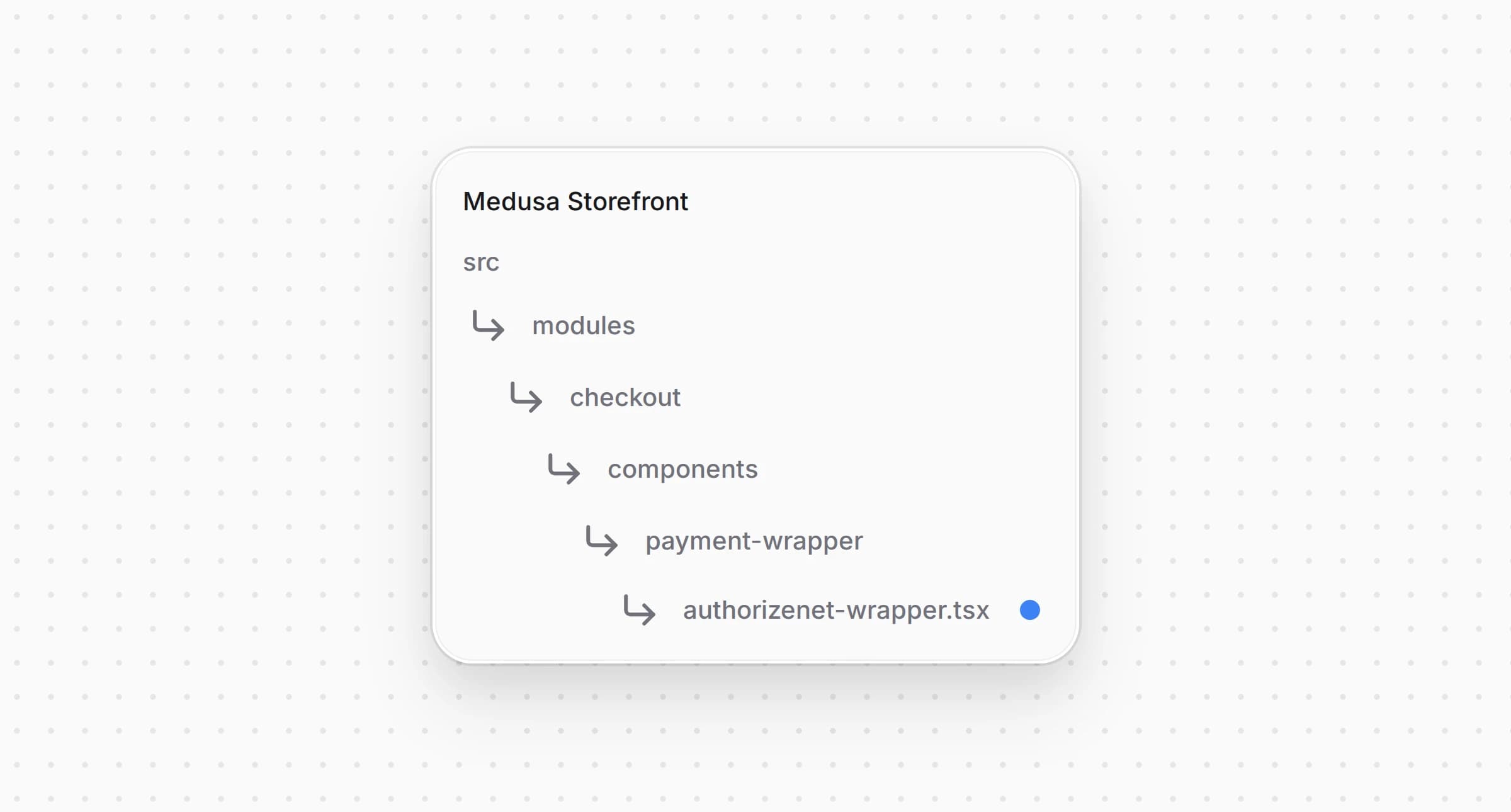
src/modules/checkout/components/payment-wrapper/authorizenet-wrapper.tsx1"use client"23import type { AuthorizeNetConfig } from "@lib/data/authorizenet"4import { ACCEPT_JS_URLS } from "@lib/util/accept-js"5import { EMPTY_CARD, type CardFields } from "@lib/util/card"6import Script from "next/script"7import { createContext, useContext, useMemo, useState } from "react"89type AuthorizeNetState = {10 config: AuthorizeNetConfig11 /** Accept.js has loaded and `window.Accept` can take a card. */12 acceptReady: boolean13 /** The card the customer is typing. The form writes it, the pay button reads it. */14 card: CardFields15 setCard: (card: CardFields) => void16}1718const AuthorizeNetContext = createContext<AuthorizeNetState | null>(null)1920/** The Authorize.net settings and the card form's state, or null outside a checkout that takes Authorize.net. */21export const useAuthorizeNet = () => useContext(AuthorizeNetContext)2223type AuthorizeNetWrapperProps = {24 config: AuthorizeNetConfig25 children: React.ReactNode26}2728/**29 * Loads Accept.js and holds the card form's fields, so the form in the payment section and the30 * pay button below it share one card. The card stays in this page's memory: Accept.js sends it to31 * Authorize.net and the shop's server only ever gets the token.32 */33const AuthorizeNetWrapper: React.FC<AuthorizeNetWrapperProps> = ({ config, children }) => {34 const [acceptReady, setAcceptReady] = useState(35 () => typeof window !== "undefined" && !!window.Accept36 )37 const [card, setCard] = useState<CardFields>(EMPTY_CARD)3839 const value = useMemo(40 () => ({ config, acceptReady, card, setCard }),41 [config, acceptReady, card]42 )4344 return (45 <AuthorizeNetContext.Provider value={value}>46 <Script47 src={ACCEPT_JS_URLS[config.environment]}48 strategy="afterInteractive"49 charSet="utf-8"50 onReady={() => setAcceptReady(true)}51 />52 {children}53 </AuthorizeNetContext.Provider>54 )55}5657export default AuthorizeNetWrapper
The wrapper loads Accept.js of the sandbox or of production, depending on the environment in the settings, and marks it ready once exists. gives the card form and the pay button the settings and the card, and returns outside a checkout that takes Authorize.net.
Open and replace its code with the following:
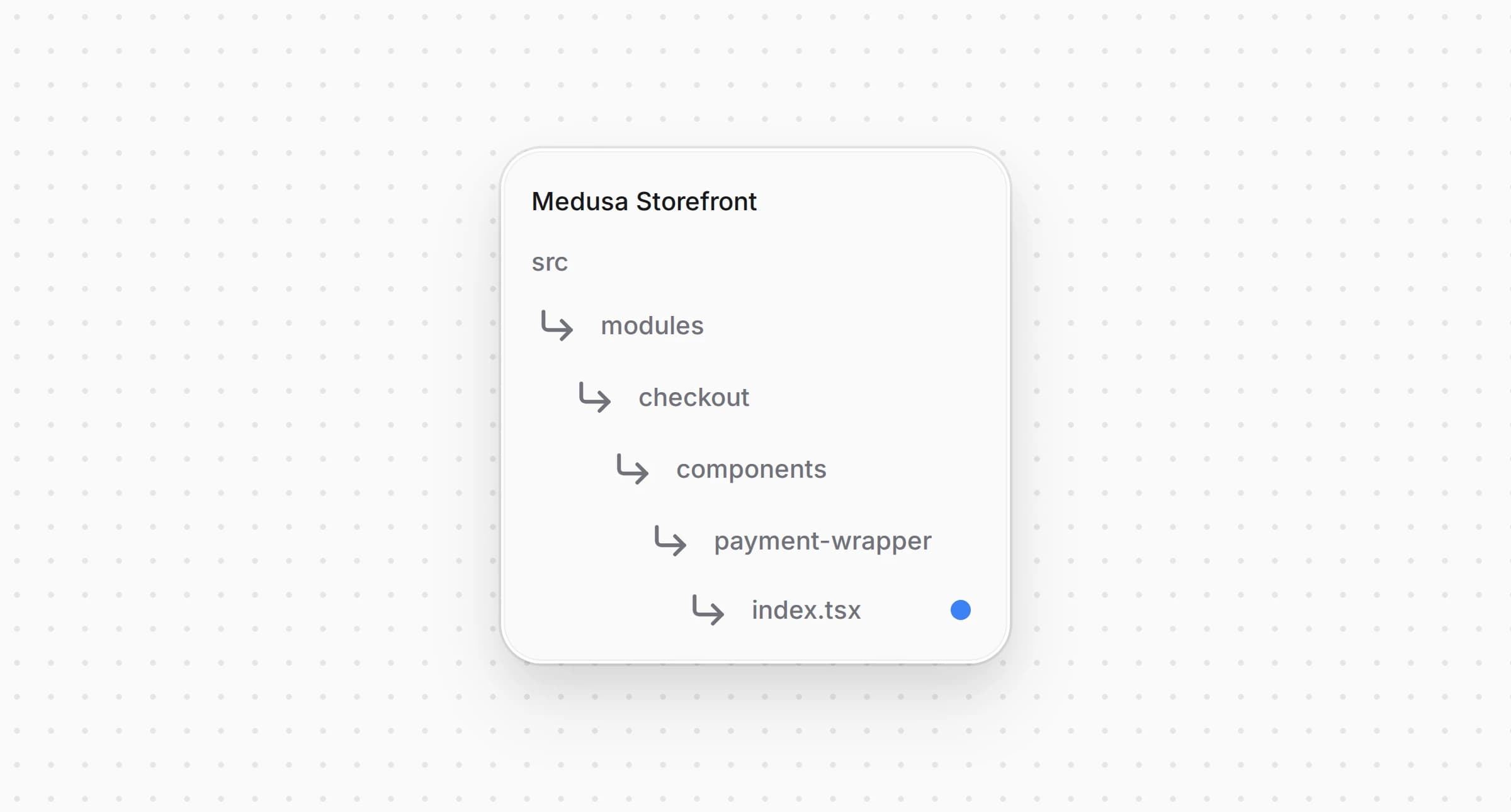
src/modules/checkout/components/payment-wrapper/index.tsx1"use client"23import { loadStripe } from "@stripe/stripe-js/pure"4import type React from "react"5import StripeWrapper from "./stripe-wrapper"6import AuthorizeNetWrapper from "./authorizenet-wrapper"7import type { HttpTypes } from "@medusajs/types"8import { isStripeLike } from "@lib/constants"9import type { AuthorizeNetConfig } from "@lib/data/authorizenet"1011type PaymentWrapperProps = {12 cart: HttpTypes.StoreCart13 /** The Authorize.net settings, when the cart's region takes Authorize.net. */14 authorizeNetConfig?: AuthorizeNetConfig | null15 children: React.ReactNode16}1718const stripeKey =19 process.env.NEXT_PUBLIC_STRIPE_KEY ||20 process.env.NEXT_PUBLIC_MEDUSA_PAYMENTS_PUBLISHABLE_KEY2122const medusaAccountId = process.env.NEXT_PUBLIC_MEDUSA_PAYMENTS_ACCOUNT_ID23const stripePromise = stripeKey24 ? loadStripe(25 stripeKey,26 medusaAccountId ? { stripeAccount: medusaAccountId } : undefined27 )28 : null2930/**31 * Wraps the checkout in what the cart's payment providers need on the page. Authorize.net loads32 * Accept.js and shares the card form with the pay button, so it wraps the whole checkout whenever33 * the region takes it and there is something to pay.34 */35const PaymentWrapper: React.FC<PaymentWrapperProps> = ({36 cart,37 authorizeNetConfig,38 children,39}) => {40 const content = (41 <StripeOrPlain cart={cart}>{children}</StripeOrPlain>42 )4344 if (authorizeNetConfig && (cart.total ?? 0) > 0) {45 return (46 <AuthorizeNetWrapper config={authorizeNetConfig}>47 {content}48 </AuthorizeNetWrapper>49 )50 }5152 return content53}5455const StripeOrPlain: React.FC<{56 cart: HttpTypes.StoreCart57 children: React.ReactNode58}> = ({ cart, children }) => {59 const paymentSession = cart.payment_collection?.payment_sessions?.find(60 (s) => s.status === "pending"61 )6263 if (64 isStripeLike(paymentSession?.provider_id) &&65 paymentSession &&66 stripePromise67 ) {68 return (69 <StripeWrapper70 paymentSession={paymentSession}71 stripeKey={stripeKey}72 stripePromise={stripePromise}73 >74 {children}75 </StripeWrapper>76 )77 }7879 return <div>{children}</div>80}8182export default PaymentWrapper
The payment wrapper puts the Authorize.net wrapper around the whole checkout when it gets the settings and the cart has something to pay. The starter's Stripe wrapper stays inside it unchanged.
Open and pass the settings to the wrapper:
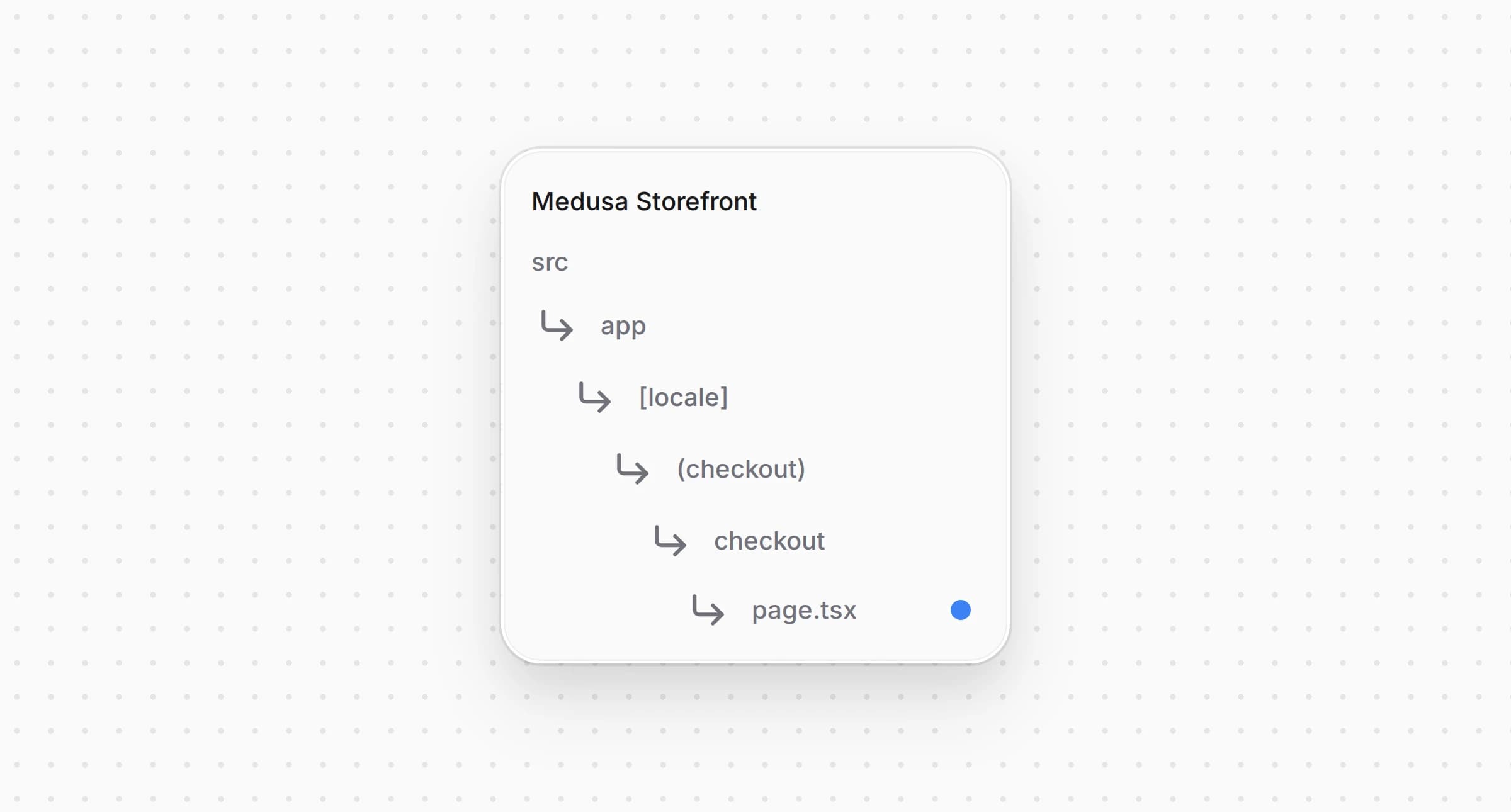
src/app/[locale]/(checkout)/checkout/page.tsx1import { getAuthorizeNetConfig } from "@lib/data/authorizenet"2import { listCartPaymentMethods } from "@lib/data/payment"3import { isAuthorizeNet } from "@lib/constants"4// ...56export default async function Checkout() {7 // ...89 const [customer, paymentMethods, authorizeNetConfig] = await Promise.all([10 retrieveCustomer(),11 listCartPaymentMethods(cart.region?.id ?? ""),12 getAuthorizeNetConfig(),13 ])14 // Accept.js loads only where the cart's region takes Authorize.net15 const regionTakesAuthorizeNet = (paymentMethods ?? []).some((method) =>16 isAuthorizeNet(method.id)17 )1819 return (20 <PaymentWrapper21 cart={cart}22 authorizeNetConfig={regionTakesAuthorizeNet ? authorizeNetConfig : null}23 >24 {/* ... */}25 </PaymentWrapper>26 )27}
The page loads the settings on the server and passes them on only for a region that takes Authorize.net, so other regions never load Accept.js.
The card form shows the card number, the expiry date and the security code fields when the customer picks Authorize.net.
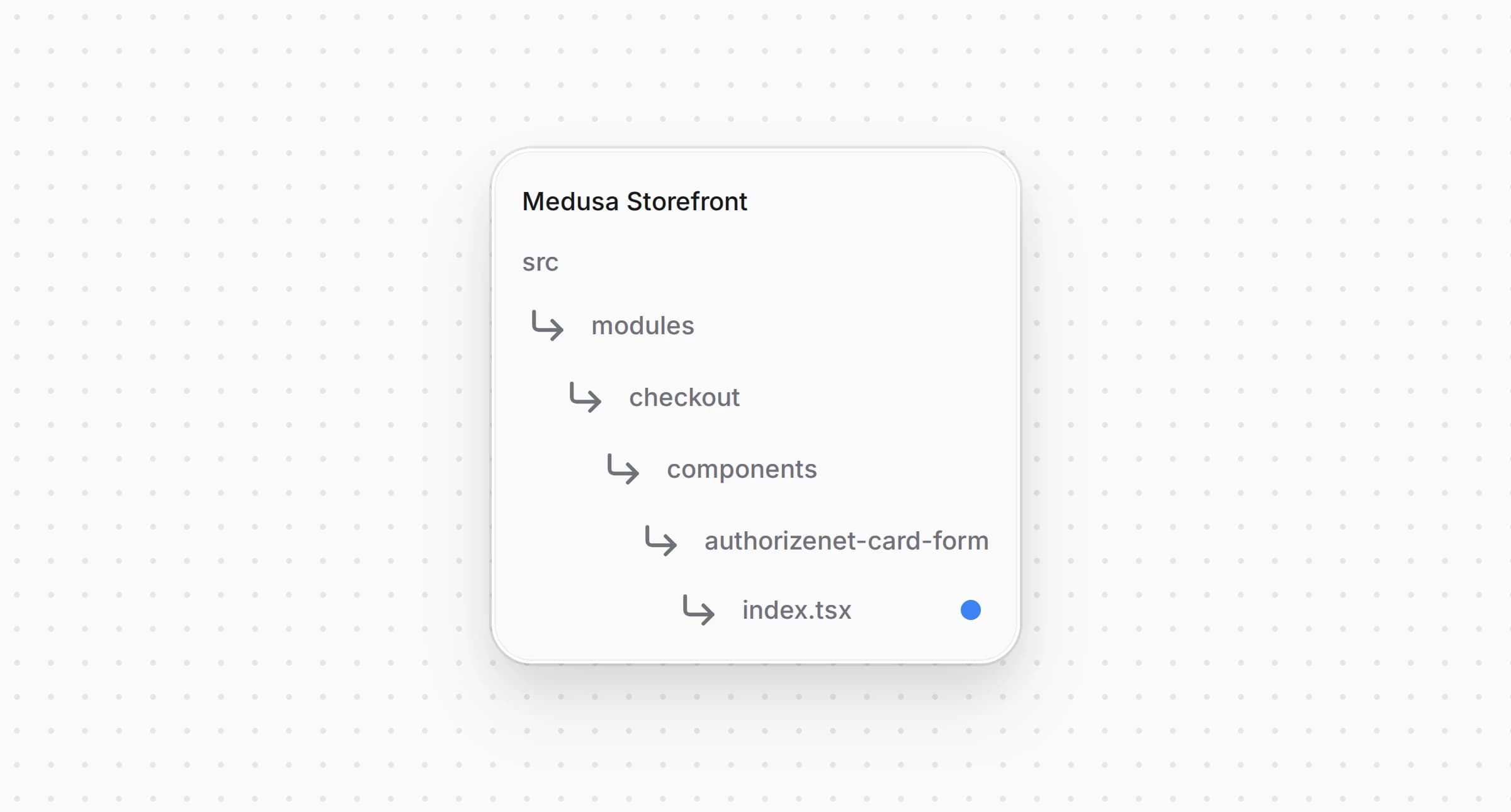
src/modules/checkout/components/authorizenet-card-form/index.tsx1"use client"23import { formatCardNumber, formatExpiry, digitsOnly } from "@lib/util/card"4import { Text } from "@medusajs/ui"5import Input from "@modules/common/components/input"6import SkeletonCardDetails from "@modules/skeletons/components/skeleton-card-details"7import { useTranslations } from "next-intl"8import { useAuthorizeNet } from "../payment-wrapper/authorizenet-wrapper"910/**11 * The card fields for Authorize.net. They live outside any form and the shop's server never sees12 * them: the pay button hands them to Accept.js, which returns a one-time token.13 */14const AuthorizeNetCardForm = () => {15 const t = useTranslations("AuthorizeNetCard")16 const tc = useTranslations("PaymentContainer")17 const authorizeNet = useAuthorizeNet()1819 if (!authorizeNet) {20 return <SkeletonCardDetails />21 }2223 const { card, setCard } = authorizeNet2425 return (26 <div className="my-4 flex flex-col gap-y-2" data-testid="authorizenet-card-form">27 <Text className="txt-medium-plus text-ui-fg-base mb-1">28 {tc("enterPaymentDetails")}29 </Text>30 <Input31 name="authorizenet-card-number"32 label={t("cardNumber")}33 autoComplete="cc-number"34 inputMode="numeric"35 value={card.number}36 onChange={(e) =>37 setCard({ ...card, number: formatCardNumber(e.target.value) })38 }39 required40 data-testid="authorizenet-card-number"41 />42 <div className="grid grid-cols-2 gap-x-2">43 <Input44 name="authorizenet-card-expiry"45 label={t("expiry")}46 autoComplete="cc-exp"47 inputMode="numeric"48 value={card.expiry}49 onChange={(e) =>50 setCard({ ...card, expiry: formatExpiry(e.target.value) })51 }52 required53 data-testid="authorizenet-card-expiry"54 />55 <Input56 name="authorizenet-card-cvc"57 label={t("cvc")}58 autoComplete="cc-csc"59 inputMode="numeric"60 value={card.cvc}61 onChange={(e) =>62 setCard({ ...card, cvc: digitsOnly(e.target.value).slice(0, 4) })63 }64 required65 data-testid="authorizenet-card-cvc"66 />67 </div>68 </div>69 )70}7172export default AuthorizeNetCardForm
The form uses the starter's , so it looks like the other checkout fields, with the values browsers fill a saved card from. It writes the fields into the wrapper's state and sits outside any form, so nothing submits them to your server.
Open and show the form under the payment methods:
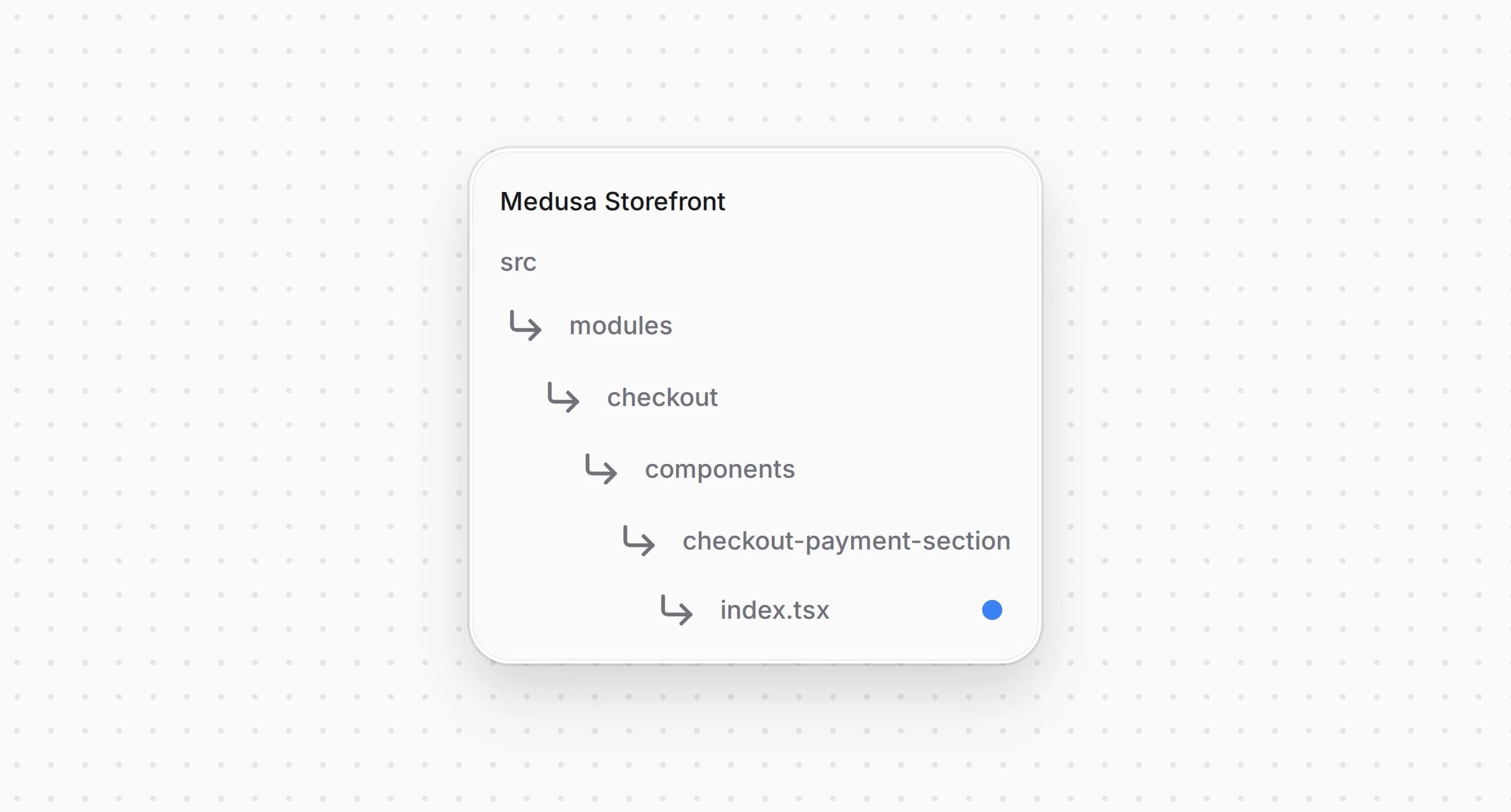
src/modules/checkout/components/checkout-payment-section/index.tsx1import { isAuthorizeNet } from "@lib/constants"2import AuthorizeNetCardForm from "@modules/checkout/components/authorizenet-card-form"3// ...45 {/* Authorize.net card input */}6 {isAuthorizeNet(selectedPaymentMethod) && (7 <div className="mt-2">8 <AuthorizeNetCardForm />9 </div>10 )}
The form appears below the payment method tiles while Authorize.net is the picked method.
The payment button turns the card into a token, starts the payment session with it and places the order.
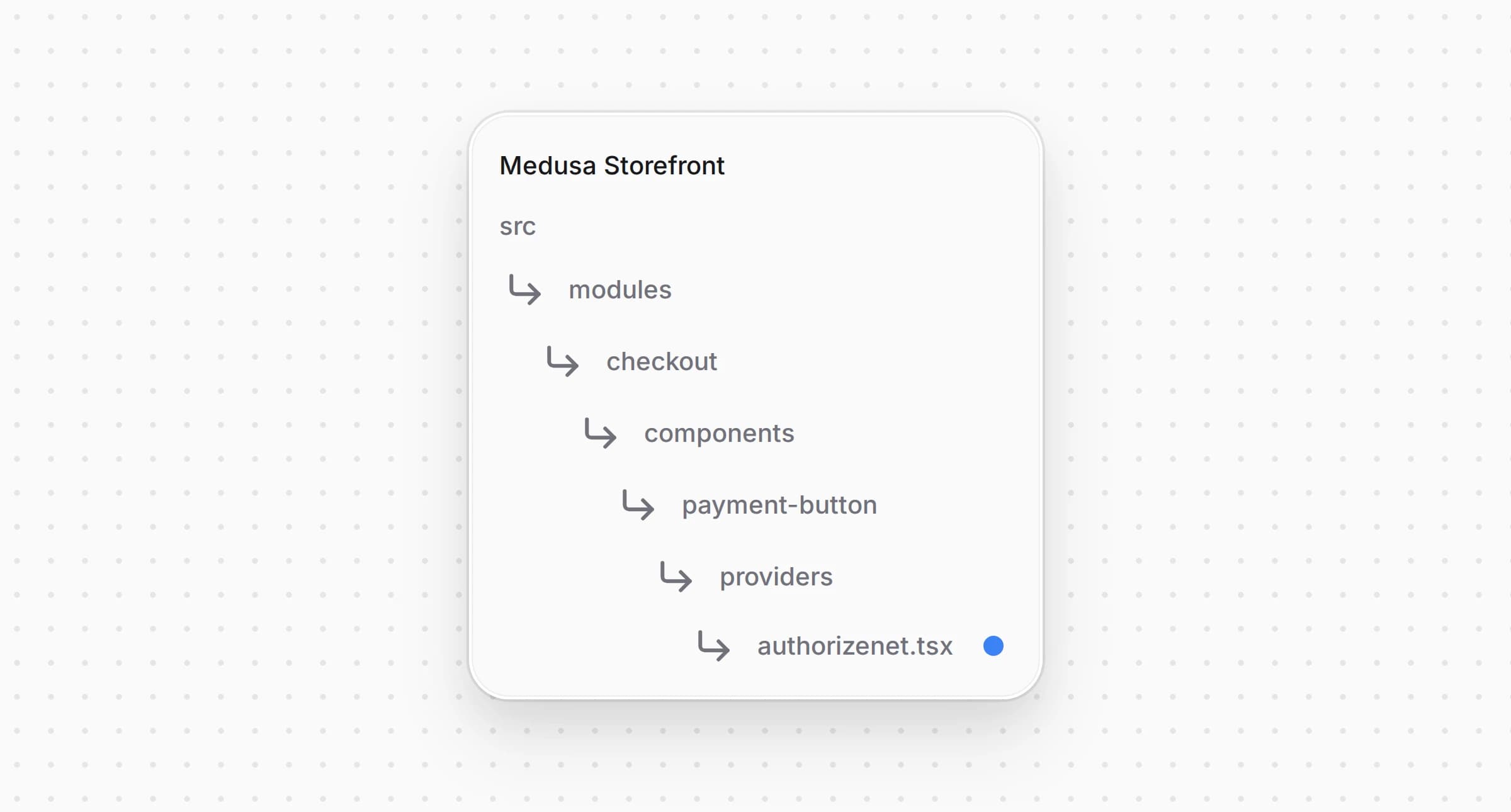
src/modules/checkout/components/payment-button/providers/authorizenet.tsx1"use client"23import { initiatePaymentSession } from "@lib/data/cart"4import { AcceptError, type AcceptProblem, createCardToken } from "@lib/util/accept-js"5import { findCardProblem } from "@lib/util/card"6import { useTranslations } from "next-intl"7import { useState } from "react"8import { useAuthorizeNet } from "@modules/checkout/components/payment-wrapper/authorizenet-wrapper"9import {10 PaymentButtonShell,11 type PaymentProviderButtonProps,12 usePlaceOrder,13} from "../shared"1415type AuthorizeNetButtonProps = PaymentProviderButtonProps & { providerId: string }1617/**18 * Pays with the card form. Nothing reaches Authorize.net before this click: the button checks the19 * card, has Accept.js turn it into a one-time token, starts the payment session with that token and20 * places the order. The backend runs the transaction while the order is placed, so a declined card21 * comes back as the order's error, which the shared error messages turn into a failed payment.22 * A problem with the card itself, found here or by Accept.js, is shown in its own words instead:23 * the shared messages would read the word "card" in it as a failed payment too.24 */25const AuthorizeNetPayButton = ({26 cart,27 providerId,28 notReady,29 label,30 cartUpdating,31 "data-testid": dataTestId,32}: AuthorizeNetButtonProps) => {33 const t = useTranslations("AuthorizeNetCard")34 const authorizeNet = useAuthorizeNet()!35 const {36 submitting,37 setSubmitting,38 errorMessage,39 setErrorMessage,40 completeOrder,41 } = usePlaceOrder()42 const [cardProblem, setCardProblem] = useState<AcceptProblem | null>(null)4344 const fail = (message: string) => {45 setErrorMessage(message)46 setSubmitting(false)47 }4849 const failOnCard = (problem: AcceptProblem) => {50 setCardProblem(problem)51 setSubmitting(false)52 }5354 const handlePayment = async () => {55 if (submitting) {56 return57 }58 setCardProblem(null)59 setErrorMessage(null)6061 const problem = findCardProblem(authorizeNet.card)62 if (problem) {63 return failOnCard(problem)64 }6566 setSubmitting(true)6768 let opaqueData69 try {70 opaqueData = await createCardToken(authorizeNet.card, {71 apiLoginId: authorizeNet.config.api_login_id,72 clientKey: authorizeNet.config.client_key,73 })74 } catch (err) {75 return failOnCard(err instanceof AcceptError ? err.problem : "tokenError")76 }7778 try {79 await initiatePaymentSession(cart, {80 provider_id: providerId,81 data: { opaque_data: opaqueData },82 })83 } catch (err) {84 return fail(err instanceof Error ? err.message : String(err))85 }8687 await completeOrder()88 }8990 return (91 <>92 <PaymentButtonShell93 label={label}94 onClick={handlePayment}95 disabled={notReady || !authorizeNet.acceptReady}96 loading={submitting || cartUpdating}97 errorMessage={errorMessage}98 errorTestId="authorizenet-payment-error-message"99 data-testid={dataTestId}100 />101 {cardProblem && (102 <div103 className="pt-2 text-rose-500 text-small-regular"104 data-testid="authorizenet-card-error-message"105 >106 <span>{t(cardProblem)}</span>107 </div>108 )}109 </>110 )111}112113/**114 * The checkout leaves Accept.js out when Authorize.net is not configured in the Admin or the cart
checks the card with , gets the token with , starts the session with and calls . A problem that or Accept.js finds with the card appears under the button as its string. It bypasses the storefront's shared error messages, which turn any text with the word "card" into a failed payment. The provider runs the transaction while Medusa places the order, so a declined card comes back as the order's error, the shared error messages show it as a failed payment, and the customer can correct the card and pay again. The button stays disabled until Accept.js has loaded.
Open and add a case for Authorize.net:
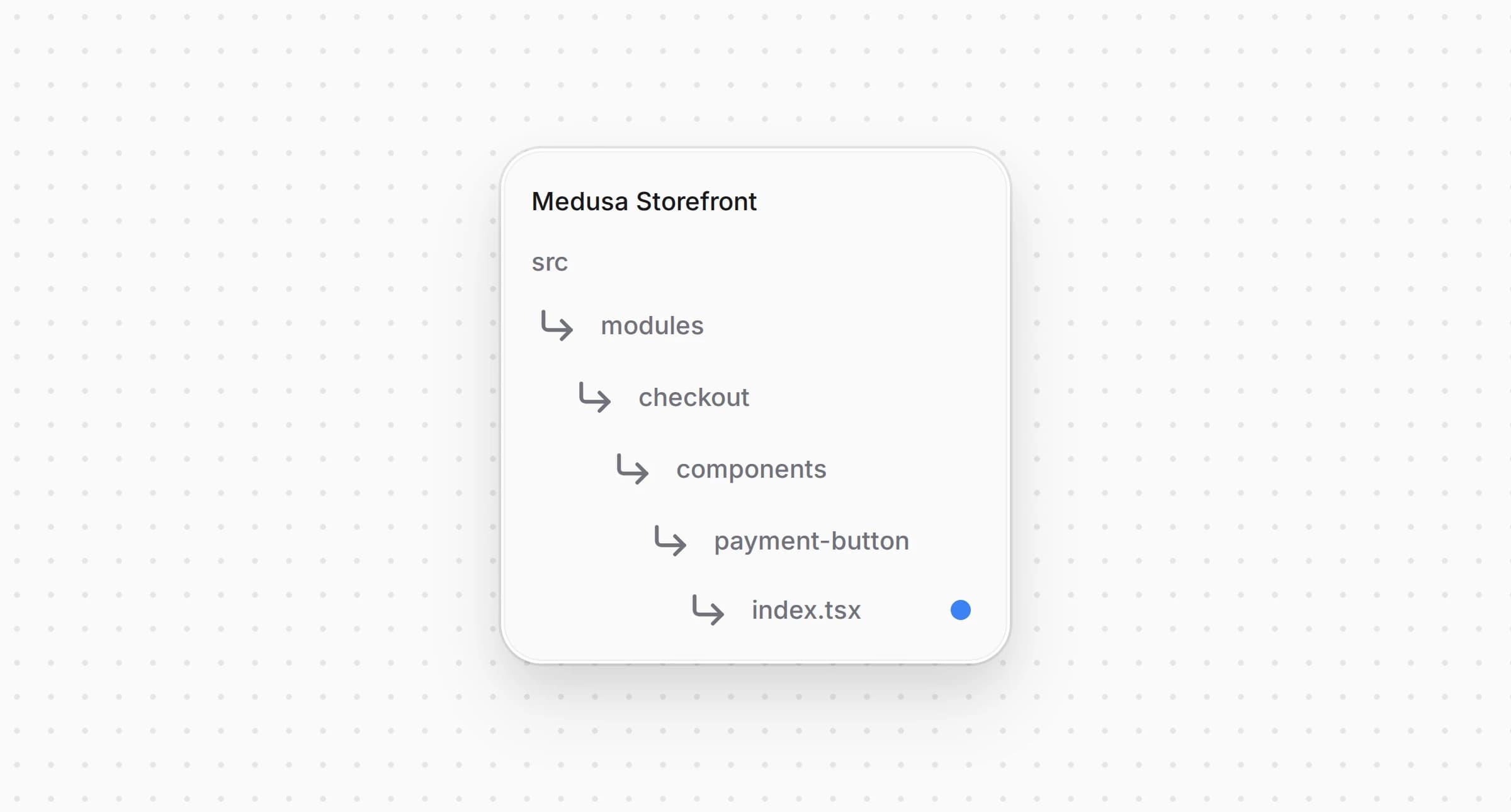
src/modules/checkout/components/payment-button/index.tsx1import AuthorizeNetPaymentButton from "./providers/authorizenet"2// ...34 switch (true) {5 case isAuthorizeNet(activePaymentMethod):6 return (7 <AuthorizeNetPaymentButton8 {...providerProps}9 providerId={activePaymentMethod}10 />11 )12 // ...13 }
The checkout now renders the Authorize.net button whenever Authorize.net is the active payment method.
The express checkout row above the checkout shows a wallet button for each payment provider that registers one. The Google Pay button pays through the same provider as the card form, with a Google Pay token in place of the Accept.js one.
Install the official Google Pay button for React:
yarn add @google-pay/button-react@4.1.0
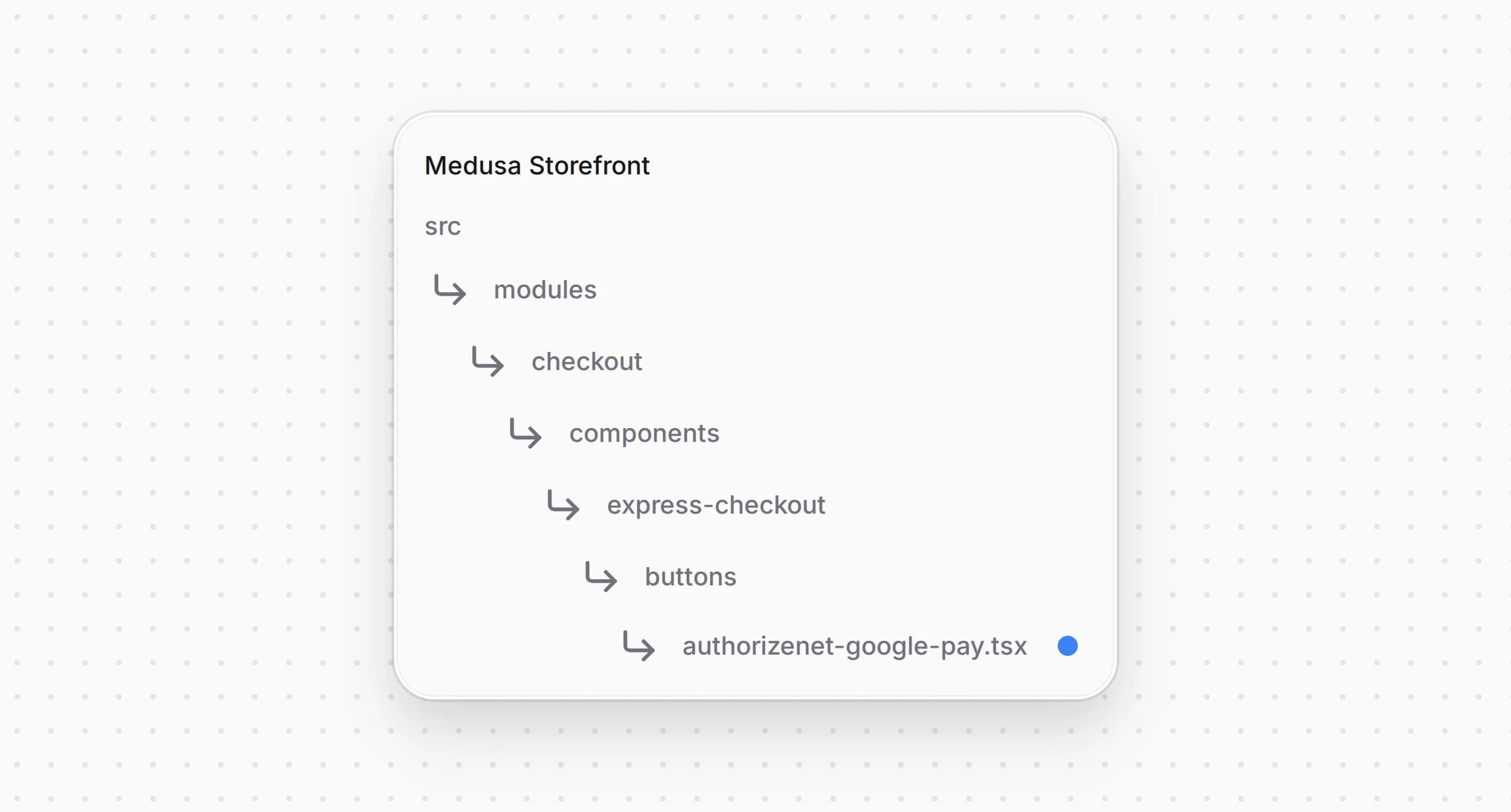
src/modules/checkout/components/express-checkout/buttons/authorizenet-google-pay.tsx4445type GooglePaySettings = NonNullable<AuthorizeNetConfig["google_pay"]>4647/**48 * Google Pay in the express checkout row. The sheet asks for the address, the row quotes the49 * shipping for it, and the payment goes to Authorize.net as a Google Pay token through the same50 * provider as the card form: the backend charges it while the order is placed.51 */52function GooglePayWalletButton({53 cart,54 providerId,55 shippingOptionId,56 onUnavailable,57 onError,58 onBusy,59 placeOrder,60 onClosed,61 googlePay,62}: ExpressButtonProps & { googlePay: GooglePaySettings }) {63 const t = useTranslations("ExpressCheckout")64 const te = useTranslations("Errors")65 const locale = useLocale()66 const currencyCode = cart.currency_code.toUpperCase()67 // what the sheet showed last, so a total that grows after approval is refused68 const shownTotal = useRef(cart.total ?? 0)69 const optionId = useRef<string | null>(shippingOptionId)7071 const fail = (72 error: Parameters<ExpressButtonProps["onError"]>[0],73 message: string,74 reason: google.payments.api.ErrorReason = "OTHER_ERROR"75 ): google.payments.api.PaymentAuthorizationResult => {76 onError(error)77 onBusy(false)78 onClosed()79 return {80 transactionState: "ERROR",81 error: { intent: "PAYMENT_AUTHORIZATION", reason, message },82 }83 }8485 const onPaymentDataChanged: google.payments.api.PaymentDataChangedHandler = async (data) => {86 if (data.callbackTrigger === "SHIPPING_OPTION") {87 return {}88 }89 const address = data.shippingAddress90 const quote = await quoteExpressShipping(91 {92 country_code: address?.countryCode ?? "",93 province: address?.administrativeArea,94 city: address?.locality,95 postal_code: address?.postalCode,96 },97 optionId.current98 )99 if (!quote.ok) {100 return {101 error: {102 intent: "SHIPPING_ADDRESS",103 reason: "SHIPPING_ADDRESS_UNSERVICEABLE",104 message: t("noShipping"),105 },106 }107 }108 optionId.current = quote.shipping_option_id109 shownTotal.current = quote.total110 return {111 newTransactionInfo: {112 totalPriceStatus: "FINAL",113 totalPrice: toPrice(quote.total, currencyCode),114 currencyCode,115 },116 newShippingOptionParameters: {117 defaultSelectedOptionId: quote.shipping_option_id,118 shippingOptions: [119 {120 id: quote.shipping_option_id,121 label: quote.shipping_option_name,122 description: convertToLocale({123 amount: quote.shipping_total,124 currency_code: quote.currency_code,125 locale,126 }),127 },128 ],129 },130 }131 }132133 const onPaymentAuthorized: google.payments.api.PaymentAuthorizedHandler = async (paymentData) => {134 onBusy(true)135 onError(null)136 const shipping = paymentData.shippingAddress137 try {138 const saved = await saveExpressContact(139 {140 email: paymentData.email,141 phone: shipping?.phoneNumber,142 shipping_address: shipping143 ? {144 ...splitName(shipping.name),145 address_1: shipping.address1,146 address_2: [shipping.address2, shipping.address3].filter(Boolean).join(" "),147 city: shipping.locality,148 province: shipping.administrativeArea,149 postal_code: shipping.postalCode,150 country_code: shipping.countryCode,151 }152 : null,153 },154 optionId.current,155 shownTotal.current156 )157 if (!saved.ok) {158 if (saved.reason === "totalChanged") {159 const total = convertToLocale({ amount: saved.total, currency_code: saved.currency_code, locale })160 return fail(161 { code: "totalChanged", total: saved.total, currency_code: saved.currency_code },162 t("totalChanged", { total })163 )164 }165 return saved.reason === "noShipping"166 ? fail({ code: "noShipping" }, t("noShipping"), "SHIPPING_ADDRESS_UNSERVICEABLE")167 : fail({ code: "missingContact" }, t("missingContact"))168 }169170 await startExpressPayment(providerId, {171 opaque_data: {172 dataDescriptor: GOOGLE_PAY_DATA_DESCRIPTOR,173 dataValue: window.btoa(paymentData.paymentMethodData.tokenizationData.token),174 },175 express: true,176 })177 // the row shows why an order was not placed and resolves; a placed order redirects178 await placeOrder()179 return {180 transactionState: "ERROR",181 error: { intent: "PAYMENT_AUTHORIZATION", reason: "OTHER_ERROR", message: te("paymentFailed") },182 }183 } catch (err) {184 if (isNavigation(err)) {185 return { transactionState: "SUCCESS" }186 }187 return fail({ code: "failed", cause: err }, te("paymentFailed"))188 }189 }190191 const paymentRequest: google.payments.api.PaymentDataRequest = {192 apiVersion: 2,
The Google Pay sheet asks for the address, and answers with the shipping and the new total from , or refuses an address the store does not ship to. When the customer pays, saves the contact and the address with , refusing a total higher than the sheet showed, starts the session with the token and places the order. Once the order is placed, the buyer is sent to its page, and a declined payment closes the sheet with an error while the row shows what went wrong. The tokenization goes to the gateway with the Payment Gateway ID the plugin read from your account.
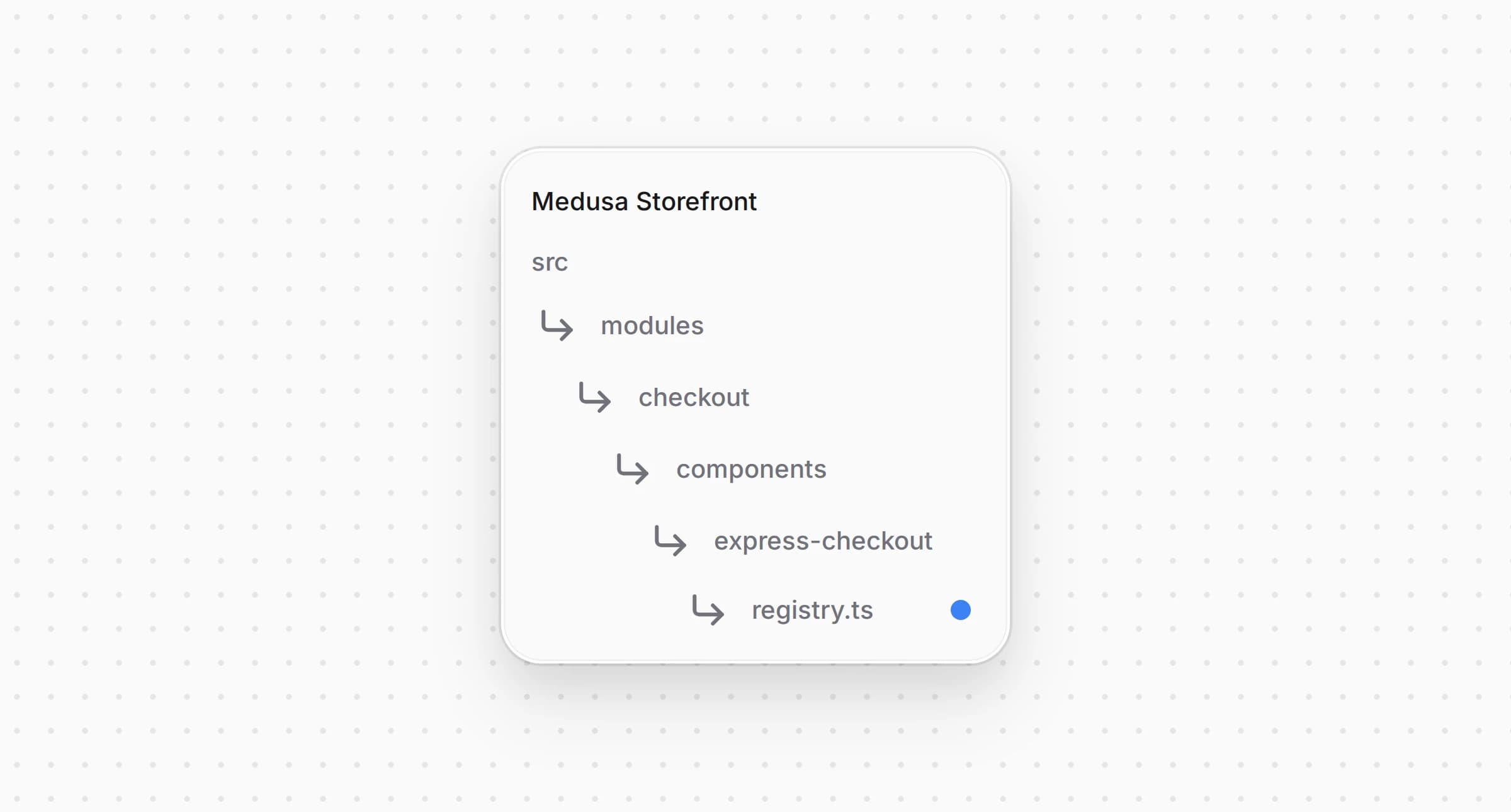
src/modules/checkout/components/express-checkout/registry.ts1import { isAuthorizeNet } from "@lib/constants"2import AuthorizeNetGooglePayButton from "./buttons/authorizenet-google-pay"3// ...45export const expressButtons: {6 match: (providerId: string) => boolean7 Component: ComponentType<ExpressButtonProps>8}[] = [9 { match: (providerId) => Boolean(isAuthorizeNet(providerId)), Component: AuthorizeNetGooglePayButton },10]
The row shows the button when the cart's region has a provider that accepts and Google Pay is on in the settings.
The provider saves the card's brand and last four digits with the payment. The order page shows them for Stripe already, and one condition adds Authorize.net.
Open and change the condition:
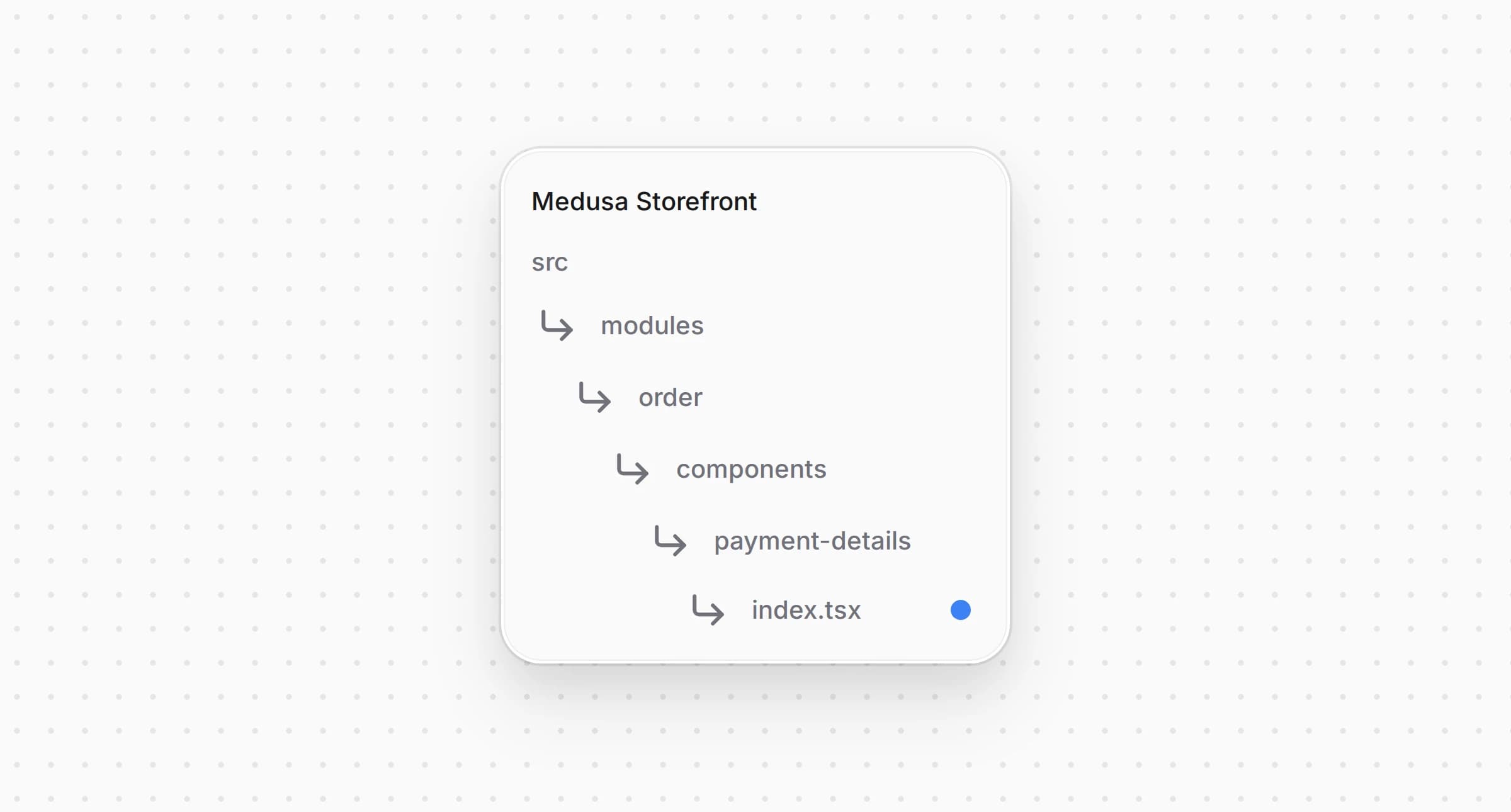
src/modules/order/components/payment-details/index.tsx1import { isAuthorizeNet, isStripeLike, paymentInfoMap } from "@lib/constants"2// ...34 const card =5 (isStripeLike(payment.provider_id) || isAuthorizeNet(payment.provider_id)) &&6 payment.data?.card_last4
The order page now shows under the payment method for an order paid by card through Authorize.net.
Add and the strings to and to every other locale under :
messages/en.json1{2 "AuthorizeNetCard": {3 "cardNumber": "Card number",4 "expiry": "Expiry date (MM / YY)",5 "cvc": "Security code",6 "invalidNumber": "Check the card number.",7 "invalidExpiry": "Check the expiry date.",8 "invalidCvc": "Check the security code.",9 "insecure": "Card payments need a secure HTTPS connection.",10 "tokenError": "The card could not be checked. Try again or use another card."11 },12 // ...13 "PaymentMethods": {14 "pp_authorizenet_authorizenet": {15 "title": "Authorize.net",16 "subtitle": "Cards"17 },18 // ...19 }20}
A locale missing the entry falls back to the English and from in Step 1. The strings have no fallback, so every locale needs them.
The complete storefront is located at , built on the Medusa DTC Starter by Gorgo. The example's own README lists every file the integration consists of, backend included.