To integrate the Mollie payment provider into the Medusa DTC Starter by Gorgo storefront, start by adding the required UI components, so the provider is displayed on the checkout page alongside other available payment methods.
Picking Mollie makes no request. When the customer clicks the payment button, it starts a payment session, the provider creates the payment in Mollie and returns the address of Mollie's payment page, and the button sends the customer there, where they pay with a card, iDEAL, PayPal or another method enabled in your Mollie profile.
Once the payment is completed, Mollie calls the webhook and sends the customer back to the storefront. Whichever event arrives first completes the cart and creates a new order in Medusa.
For the storefront on Next.js, you need to make the following changes:
To make Mollie available as a payment method on the storefront checkout page, add its configuration to the payment provider mapping in your storefront's constants file. This mapping determines how each payment provider is displayed in the UI.
Open and add the following code:
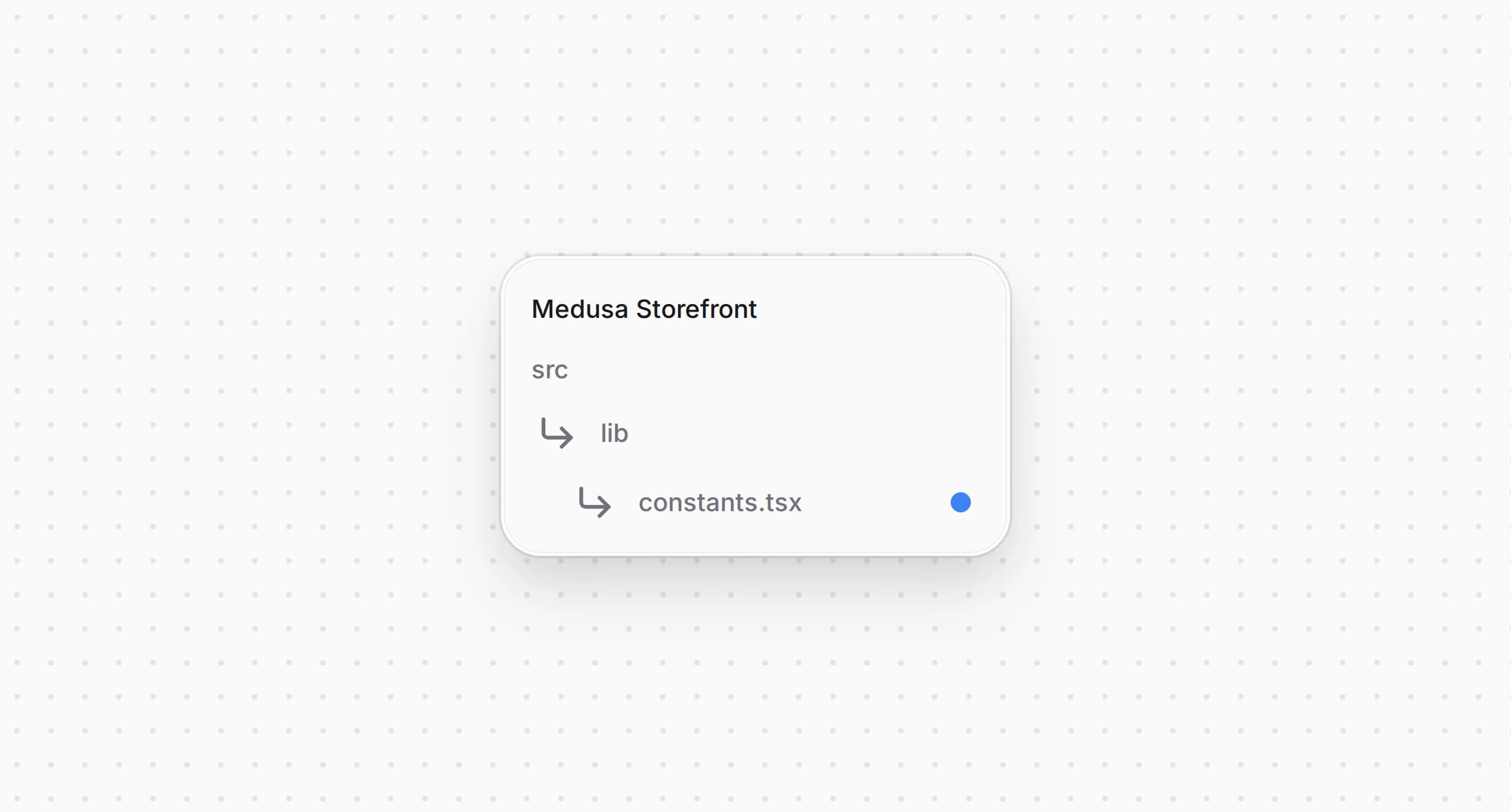
src/lib/constants.tsx1export const paymentInfoMap: Record<string, PaymentInfo> = {2 // ...3 pp_mollie_mollie: {4 title: "Mollie",5 subtitle: "Cards, iDEAL, PayPal",6 icon: <CreditCard />,7 },8 // Add more payment providers here9}1011// ...1213export const isMollie = (providerId?: string) => {14 return providerId?.startsWith("pp_mollie_")15}
You extend the object with a entry. It defines the title, the subtitle and the icon shown for Mollie on the checkout page, and serves as the fallback when a locale carries no translation. Mollie takes many payment methods, so the entry uses the starter's generic icon.
The helper function checks whether a given belongs to Mollie. The payment button dispatcher and the order page use it in the steps below.
To send a customer to Mollie, the payment session needs the address the customer returns to after paying and the language of Mollie's page.
Open the same and import the default locale and the storefront's base URL at the top of the file:

src/lib/constants.tsx1import { defaultLocale } from "@i18n/config"2import { getBaseURL } from "@lib/util/env"
Then add the page language, the return address and the session data builder below the payment provider mapping:
src/lib/constants.tsx1/**2 * The language of the page. `<html lang>` carries the locale the checkout was3 * rendered in, which a provider with its own payment page takes to show that4 * page in the customer's language.5 */6const pageLocale = () =>7 typeof document === "undefined"8 ? defaultLocale9 : document.documentElement.lang || defaultLocale1011/**12 * The address the customer comes back to after paying on the provider's own13 * page, in the language they left the shop with.14 */15const paymentReturnUrl = (providerId: string, cartId: string) => {16 const origin =17 typeof window === "undefined" ? getBaseURL() : window.location.origin1819 return `${origin}/api/payment-return?provider=${providerId}&cart_id=${cartId}&locale=${pageLocale()}`20}2122const paymentSessionDataBuilders: Array<{23 test: (providerId?: string) => boolean | undefined24 isReady?: (cart: HttpTypes.StoreCart) => boolean25 build: (cart: HttpTypes.StoreCart) => Record<string, unknown>26 /**27 * The provider's own pay button starts the payment session when the customer28 * pays, so the checkout does not start one when the method is picked or the29 * cart changes. `isReady` still gates the pay button.30 */31 deferred?: boolean32}> = [33 {34 test: (providerId) => isMollie(providerId),35 // A Mollie payment is created with the session, and Mollie neither changes36 // its amount nor cancels it while it is open, so a session replaced at the37 // payment step would leave a payable page behind. The pay button starts the38 // session, once the checkout has the email, the address and the shipping39 // method the payment is created with.40 deferred: true,41 isReady: (cart) =>42 Boolean(43 cart.email &&44 cart.shipping_address &&45 (cart.shipping_methods?.length ?? 0) > 046 ),47 build: (cart) => ({48 redirect_url: paymentReturnUrl("mollie", cart.id),49 locale: pageLocale(),50 }),51 },52]
Below , add the helper that tells the checkout whether a method starts its session from the payment button:
src/lib/constants.tsx1export const isPaymentSessionDeferred = (providerId: string | undefined) => {2 return !!paymentSessionDataBuilders.find((b) => b.test(providerId))?.deferred3}
When initiating a payment for Mollie, passes , the absolute address the customer comes back to, and , the language of the page. The provider creates the Mollie payment with them and stores the address of Mollie's payment page in the session as . It turns a bare language such as into Mollie's , and for a language Mollie does not have it leaves the choice to the customer's browser.
The points back to your storefront's route and is used for paid, canceled and failed payments alike. The route finds the cart by its .
With , picking Mollie or changing the cart starts no session, and keeps the payment button disabled until the cart carries an email, a shipping address and a shipping method. The provider creates the Mollie payment as soon as the session starts, with the cart's total and the buyer's addresses. Mollie neither changes the amount of that payment nor cancels it while it is open, so a session started when the method is picked and replaced later would leave a payable Mollie page behind.
The starter's checkout starts a payment session when the customer picks a method, when the cart changes and when the session disappears. For Mollie, the payment button starts it instead.
Open and skip a deferred method in those three places:
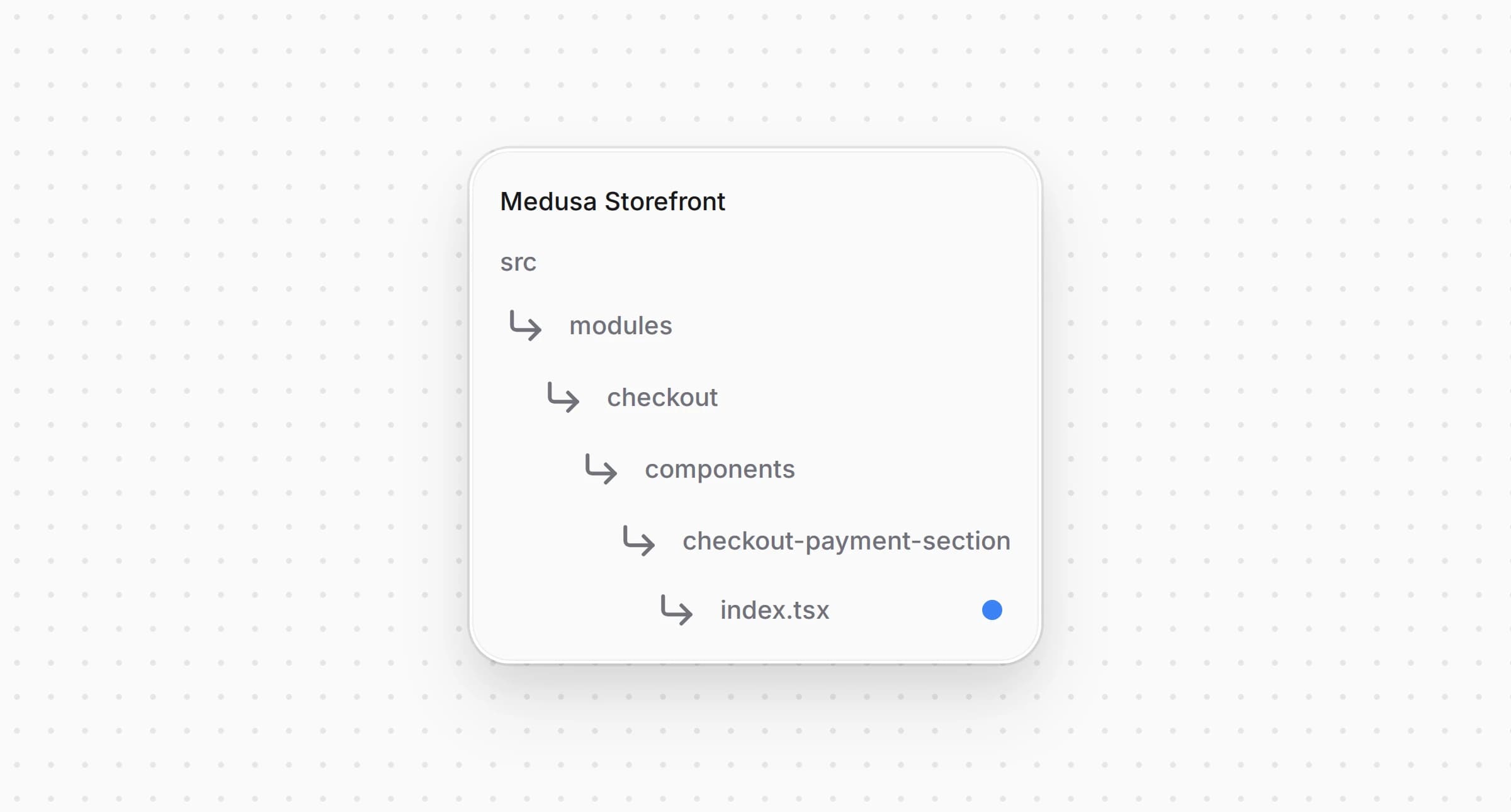
src/modules/checkout/components/checkout-payment-section/index.tsx1import {2 // ...3 isPaymentSessionDeferred,4 isPaymentSessionReady,5 // ...6} from "@lib/constants"78// ...910 // Re-initiate payment session when it gets cleared (e.g. after promo code change)11 useEffect(() => {12 if (13 selectedPaymentMethod &&14 !latestSession &&15 !paidByGiftcard &&16 !isPaymentSessionDeferred(selectedPaymentMethod) &&17 isPaymentSessionReady(selectedPaymentMethod, cart)18 // ...1920// ...2122 if (23 !selectedPaymentMethod ||24 paidByGiftcard ||25 isPaymentSessionDeferred(selectedPaymentMethod)26 ) {27 return28 }2930// ...3132 const handleSelectPayment = async (providerId: string) => {33 setSelectedPaymentMethod(providerId)3435 // a deferred provider's pay button starts the session when the customer pays36 if (37 isPaymentSessionDeferred(providerId) ||38 !isPaymentSessionReady(providerId, cart)39 ) {40 return41 }
The effect that restarts a cleared session, the effect that starts one again when the addresses, the email, the shipping or the region change, and the handler of the method picker now leave a deferred method alone. The checkout still shows Mollie as selected, and the payment button decides when the payment is created.
The storefront needs a dedicated payment button component for each payment provider. Using the payment session data, it sends the customer to Mollie's payment page. The order itself is placed later, when the customer comes back through , or earlier through the webhook if that arrives first.
Create and add the following code:
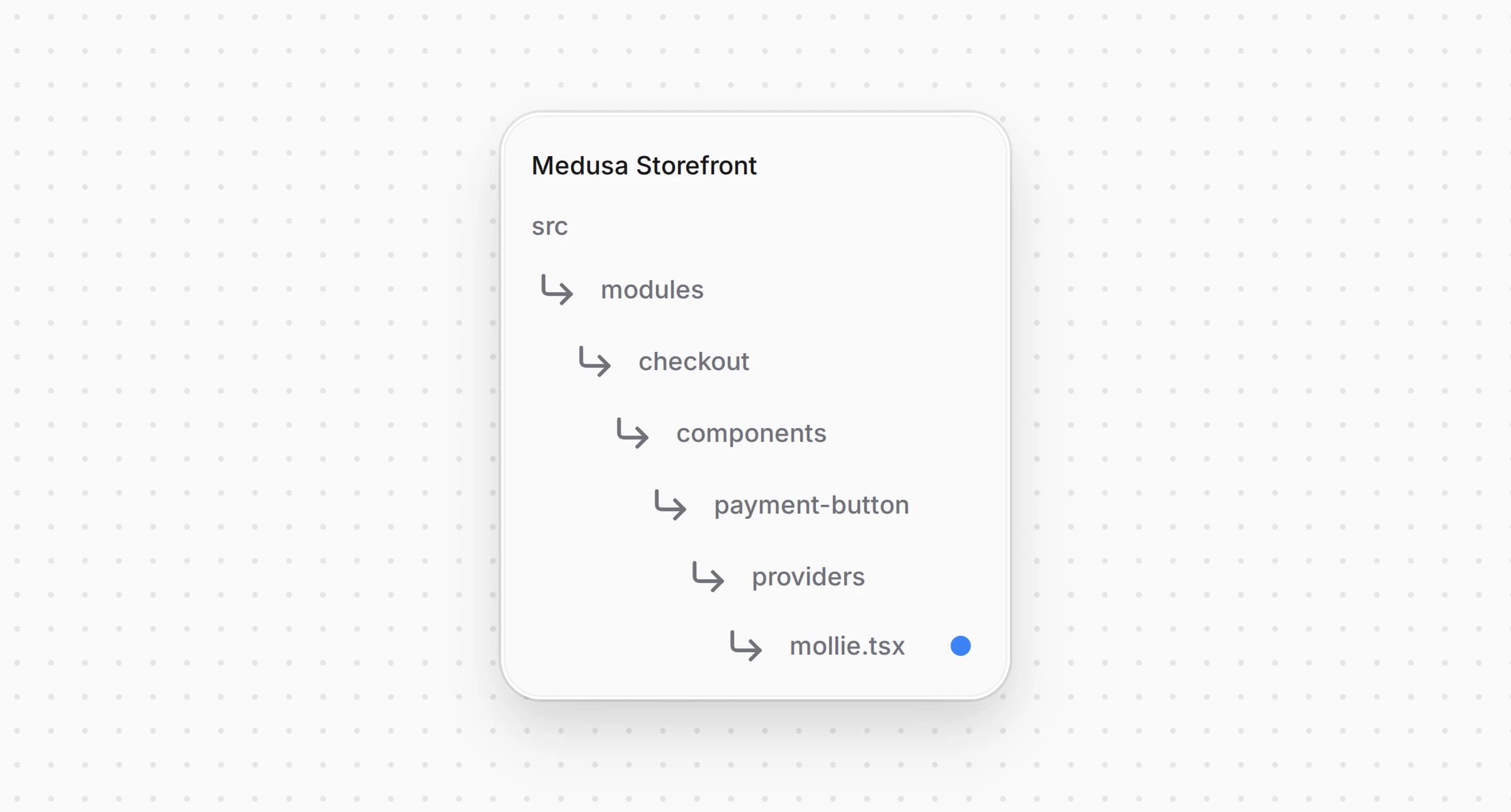
src/modules/checkout/components/payment-button/providers/mollie.tsx1"use client"23import { buildPaymentSessionData } from "@lib/constants"4import { initiatePaymentSession } from "@lib/data/cart"5import type { HttpTypes } from "@medusajs/types"6import { useTranslations } from "next-intl"7import { useState } from "react"8import { PaymentButtonShell, type PaymentProviderButtonProps } from "../shared"910const MOLLIE_PROVIDER_ID = "pp_mollie_mollie"1112const findSession = (payment_collection?: HttpTypes.StorePaymentCollection | null) =>13 payment_collection?.payment_sessions?.find((s) =>14 s.provider_id.startsWith("pp_mollie_")15 )1617/**18 * The address of the payment page of a session started earlier, unless it is19 * missing or Mollie has let the payment expire. A customer who went back from20 * Mollie's page without paying returns to the same page this way, instead of a21 * second payment Mollie would refuse to cancel. A card payment expires after22 * 30 minutes.23 */24const liveCheckoutUrl = (session?: HttpTypes.StorePaymentSession) => {25 const url = session?.data?.checkout_url26 const expiresAt = session?.data?.expires_at2728 if (typeof url !== "string" || !url) {29 return null30 }3132 if (typeof expiresAt === "string" && Date.parse(expiresAt) <= Date.now()) {33 return null34 }3536 return url37}3839/**40 * Mollie collects the payment on its own page. This button starts the payment41 * session, which creates the Mollie payment, and sends the customer to its42 * page; the order is placed once they come back through `/api/payment-return`,43 * or by the webhook if that arrives first. A session started before, whose44 * payment is still open, is reused.45 */46const MolliePaymentButton = ({47 cart,48 notReady,49 label,50 cartUpdating,51 "data-testid": dataTestId,52}: PaymentProviderButtonProps) => {53 const t = useTranslations("Errors")54 const [submitting, setSubmitting] = useState(false)55 const [errorMessage, setErrorMessage] = useState<string | null>(null)5657 const handlePayment = async () => {58 setSubmitting(true)59 setErrorMessage(null)6061 try {62 const session = findSession(cart.payment_collection)63 let url = liveCheckoutUrl(session)6465 if (!url) {66 const providerId = session?.provider_id ?? MOLLIE_PROVIDER_ID67 const { payment_collection } = await initiatePaymentSession(cart, {68 provider_id: providerId,69 data: buildPaymentSessionData(providerId, cart),70 })7172 url = liveCheckoutUrl(findSession(payment_collection))73 }7475 if (!url) {76 throw new Error(t("paymentFailed"))77 }7879 window.location.assign(url)80 } catch (error) {81 setErrorMessage(error instanceof Error ? error.message : t("paymentFailed"))82 setSubmitting(false)83 }84 }8586 return (87 <PaymentButtonShell88 label={label}89 onClick={handlePayment}90 disabled={notReady || cartUpdating}91 loading={submitting}92 errorMessage={errorMessage}93 errorTestId="mollie-payment-error-message"94 data-testid={dataTestId ?? "submit-order-button"}95 />96 )97}9899export default MolliePaymentButton
When the customer clicks the payment button, the component starts a payment session with the data from , reads from the new Mollie session and sends the customer to this address to pay on Mollie's page.
A customer who went back from Mollie's page without paying already has a session with an open payment. The button sends them to the same page again unless its has passed, since a card payment expires after 30 minutes, and only then starts a new session. A second open payment for the same cart is what the deferred session avoids, because Mollie refuses to cancel the first one. If no address comes back, the button shows an error message instead of navigating anywhere.
Import the button and in , then add a for it in the dispatcher's :
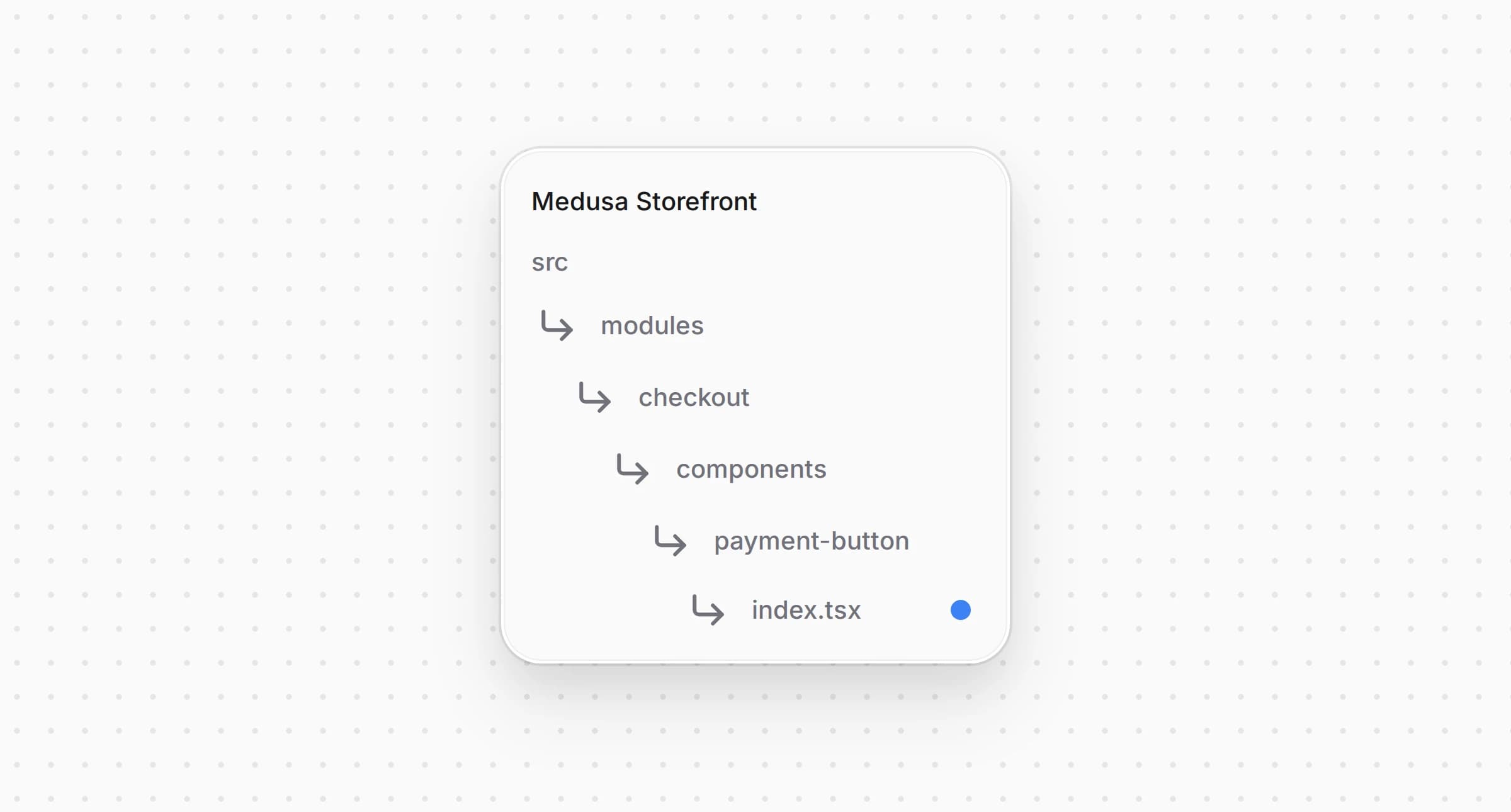
src/modules/checkout/components/payment-button/index.tsx1import {2 isManual,3 isMollie,4 // ...5} from "@lib/constants"6// ...7import MolliePaymentButton from "./providers/mollie"89// ...1011 switch (true) {12 // ...13 case isMollie(activePaymentMethod):14 return <MolliePaymentButton {...providerProps} />15 // ...16 }
The parent uses to determine whether to display for the current session; otherwise it falls through to the next case.
After the customer pays, cancels or fails on Mollie's page, Mollie sends them back to the storefront. Mollie reports the payment status through both this redirect and a webhook, so the shared route checks the cart for an order before placing one itself.
Open and add the following code:
src/app/api/payment-return/route.ts1type ReturnContext = {2 cartId: string3 locale: string4 origin: string5}67/**8 * Comes back from a provider that takes the customer to its own payment page9 * and returns them with nothing but the cart id, as Mollie and YooKassa do.10 *11 * The provider's webhook and this redirect race each other, and whichever12 * arrives first places the order, so the cart is checked for an order before13 * one is placed.14 */15async function redirectProviderReturn({16 cartId,17 locale,18 origin,19}: ReturnContext) {20 const cart = await sdk.client21 .fetch<HttpTypes.StoreCartResponse>(`/store/carts/${cartId}`, {22 method: "GET",23 query: { fields: "id,order_link.order_id" },24 headers: { ...(await getAuthHeaders()) },25 cache: "no-store",26 })27 .then(({ cart }) => cart)28 .catch(() => null)2930 if (!cart) {31 return NextResponse.redirect(32 `${origin}/${locale}/cart?error=payment_failed`33 )34 }3536 const orderId = (cart as unknown as { order_link?: { order_id?: string } })37 .order_link?.order_id3839 if (orderId) {40 const orderCacheTag = await getCacheTag("orders")41 revalidateTag(orderCacheTag)42 await removeCartId()4344 return NextResponse.redirect(45 `${origin}/${locale}/order/${orderId}/confirmed`46 )47 }4849 // The customer backed out or the payment was declined, so they land back on50 // the checkout with their cart intact and can pick a method again.51 await setCartId(cartId)5253 try {54 await placeOrder(cartId)55 } catch (error) {56 unstable_rethrow(error)5758 return NextResponse.redirect(59 `${origin}/${locale}/checkout?error=payment_failed`60 )61 }6263 return NextResponse.redirect(64 `${origin}/${locale}/checkout?error=payment_failed`65 )66}
Then route Mollie's return to , in :
src/app/api/payment-return/route.ts1if (provider === "mollie") {2 return redirectProviderReturn({ cartId, locale, origin })3 }
This route handles the return from Mollie after a payment attempt. It always fetches the cart's latest state, uncached, so it doesn't miss changes made during payment.
If the cart already has an order, the confirmation already arrived through the webhook. The route revalidates the order cache, removes the cart cookie, and sends the customer to the confirmation page.
Otherwise the route tries to place the order itself. If successful, the customer ends up on the order confirmation page. If the customer canceled on Mollie's page or the payment failed, placing the order fails, and the customer is sent back to the checkout with so they can pick a method again.
For a card payment, the provider keeps the card's last four digits in the payment data as , the way Gorgo's Stripe and Authorize.net providers do. The order page of the starter shows them for Stripe only.
Open and change the condition:
src/modules/order/components/payment-details/index.tsx1const { title, subtitle } = paymentMethodLabel(tm, payment.provider_id)2 const card =3 (isStripeLike(payment.provider_id) || isMollie(payment.provider_id)) &&4 payment.data?.card_last45 // The card the order was actually paid with says more than the schemes the6 // method accepts, so it takes the subtitle when the payment carries one.7 const methodSubtitle = card ? `•••• ${card}` : subtitle
The order page now shows under Mollie for a card payment. For iDEAL, PayPal and the other methods, it keeps the subtitle from the locale.
Add to and to every other locale under :
messages/en.json1{2 "PaymentMethods": {3 // ...4 "pp_mollie_mollie": {5 "title": "Mollie",6 "subtitle": "Cards, iDEAL, PayPal"7 }8 }9}
A locale missing an entry falls back to the English and from in Step 1.
The complete storefront is located at , built on the Medusa DTC Starter by Gorgo. The example's own README lists every file the integration consists of, backend included.