Search for a command to run...
To integrate the Stripe payment provider into the Medusa DTC Starter by Gorgo storefront, start by adding the required UI components, so the provider is displayed on the checkout page alongside other available payment methods.
The checkout uses a deferred PaymentIntent. The Stripe Elements are created with the cart's amount and currency and no PaymentIntent behind them, so picking Stripe or switching payment methods makes no request. The customer pays by card at the payment step or with Apple Pay, Google Pay or Link in the express checkout row. At that moment the storefront starts a payment session, the provider creates the PaymentIntent with the final amount and the delivery address from the cart, and Stripe.js confirms it.
Once the payment is confirmed, the storefront completes the cart and creates a new order in Medusa. If the customer closes the tab after paying, the or webhook creates the order instead.
For the storefront on Next.js, you need to make the following changes:
The payment form and the wallet buttons come from Stripe.js and its official React wrapper. Install both in the storefront:
yarn add @stripe/stripe-js@10.1.0 @stripe/react-stripe-js@7.0.0Version 10 of loads the release of Stripe.js, which matches the API version the plugin uses on the backend, and provides the , and components.
The payment provider mapping in your storefront's constants file decides how each payment provider appears on the checkout page. Stripe already has an entry there.
src/lib/constants.tsx1export const paymentInfoMap: Record<string, PaymentInfo> = {2 pp_stripe_stripe: {3 title: "Stripe",4 subtitle: "Cards, wallets",5 icon: <CreditCard />,6 },7 // ...8}910// ...1112export const isStripeLike = (providerId?: string) => {13 return (14 providerId?.startsWith("pp_stripe_") || providerId?.startsWith("pp_medusa-")15 )16}
The entry defines the title, the subtitle, and the icon shown for Stripe on the checkout page, and also serves as the fallback when a locale carries no translation. The starter already has the entry and the helper, because it ships a Stripe payment form, so you only change the title and the subtitle.
The helper function checks whether a given belongs to Stripe. The page, the payment button and the express checkout row all use it.
The starter starts a payment session the moment the customer picks a method, which would create a PaymentIntent before the amount is final. Stripe's session starts from its pay button instead.
Open the same and add an entry to the session data builders:

src/lib/constants.tsx1const paymentSessionDataBuilders: Array<{2 test: (providerId?: string) => boolean | undefined3 isReady?: (cart: HttpTypes.StoreCart) => boolean4 build?: (cart: HttpTypes.StoreCart) => Record<string, unknown>5 /**6 * The provider's own pay button starts the payment session when the customer pays, so the7 * checkout does not start one when the method is picked or the cart changes. For a provider8 * that creates the payment at the vendor only once the amount is final, such as a deferred9 * Stripe PaymentIntent. `isReady` still gates the pay button.10 */11 deferred?: boolean12}> = [13 {14 // The Payment Element works on a deferred PaymentIntent, which the pay button creates15 // once the amount is final, so picking Stripe makes no request.16 test: isStripeLike,17 deferred: true,18 },19]
With , the checkout starts no session when the customer picks Stripe, after the session is cleared, or when the address or the shipping changes. The entry has no , because the provider reads the address and the email from the cart on the backend. It has no either, because the pay button already waits for the email, the addresses and the shipping method.
The storefront needs the publishable key and the capture method to create the Elements. They come from the plugin's settings in Medusa Admin, so the storefront loads them from the backend instead of an environment variable.
Create and add the following code:
src/lib/data/stripe.ts1"use server"23import { sdk } from "@lib/config"45/** What the storefront needs to load Stripe.js and create the Elements, from `GET /store/stripe/config`. */6export type StripeConfig = {7 provider_id: string8 publishable_key: string9 /** The capture method of the PaymentIntents the backend creates. The Elements must use the same. */10 capture_method: "manual" | "automatic_async"11 payment_method_configuration: string | null12}1314/**15 * The public Stripe settings of the only Stripe integration, or null while it is not configured.16 * The keys and the capture method change only in the Admin, so the answer is cached for a minute.17 */18export async function getStripeConfig(): Promise<StripeConfig | null> {19 return sdk.client20 .fetch<{ config: StripeConfig }>("/store/stripe/config", {21 method: "GET",22 next: { revalidate: 60 },23 })24 .then(({ config }) => config)25 .catch(() => null)26}
calls , which returns the publishable key, the capture method and the payment method configuration of the Stripe integration. It returns while the integration is not configured, and the answer is cached for a minute.
The Elements take the amount as an integer in the currency's smallest unit, and it has to equal the amount of the PaymentIntent the provider creates.
Create and add the following code:
src/lib/util/stripe-amount.ts1/**2 * Converts a Medusa amount, in major units, to the integer Stripe expects, the same way3 * `@gorgo/medusa-payment-stripe` converts it for the PaymentIntent (`src/utils/amounts.ts` there).4 * The Elements and the PaymentIntent have to agree on the amount, so a change here goes there too.5 */6const ZERO_DECIMAL = new Set([7 "BIF", "CLP", "DJF", "GNF", "JPY", "KMF", "KRW", "MGA", "PYG", "RWF", "VND", "VUV", "XAF", "XOF", "XPF",8])9// zero-decimal currencies Stripe still takes multiplied by 100, so 5 ISK is 50010const WHOLE_TWO_DECIMAL = new Set(["ISK", "UGX"])11// thousandths, rounded to a hundredth, since Stripe wants the last digit to be 012const THREE_DECIMAL = new Set(["BHD", "JOD", "KWD", "OMR", "TND"])1314/** `amount` rounded half up to `decimals` places, then shifted to an integer, without float drift. */15const shift = (amount: number, decimals: number) =>16 Math.round(Number(`${amount.toFixed(10)}e${decimals}`))1718export const toStripeAmount = (amount: number, currencyCode: string) => {19 const code = currencyCode.toUpperCase()20 if (ZERO_DECIMAL.has(code)) {21 return shift(amount, 0)22 }23 if (WHOLE_TWO_DECIMAL.has(code)) {24 return shift(amount, 0) * 10025 }26 if (THREE_DECIMAL.has(code)) {27 return shift(amount, 2) * 1028 }29 return shift(amount, 2)30}
converts the cart's total the way the provider converts it on the backend. Zero-decimal currencies such as JPY stay whole, ISK and UGX are multiplied by 100, so 5 ISK is sent as 500, and the currencies with three decimal places are rounded to a hundredth, since Stripe wants their last digit to be 0.
The card form and the wallet buttons share one set of Elements, which wraps the whole checkout.
Open and replace its code with the following:
src/modules/checkout/components/payment-wrapper/stripe-wrapper.tsx1"use client"23import type { Stripe, StripeElementsOptions } from "@stripe/stripe-js"4import { loadStripe } from "@stripe/stripe-js/pure"5import { Elements } from "@stripe/react-stripe-js"6import type { HttpTypes } from "@medusajs/types"7import type { StripeConfig } from "@lib/data/stripe"8import { toStripeAmount } from "@lib/util/stripe-amount"9import { createContext, useMemo } from "react"1011type StripeWrapperProps = {12 cart: HttpTypes.StoreCart13 config: StripeConfig14 children: React.ReactNode15}1617export const StripeContext = createContext(false)1819// One Stripe.js instance per publishable key for the whole visit.20const stripePromises = new Map<string, Promise<Stripe | null>>()2122const stripeFor = (publishableKey: string) => {23 let promise = stripePromises.get(publishableKey)24 if (!promise) {25 promise = loadStripe(publishableKey)26 stripePromises.set(publishableKey, promise)27 }28 return promise29}3031/**32 * Elements in deferred mode, created with the amount, the currency and the capture method of33 * the PaymentIntent the backend will create, and without a client secret. Selecting Stripe or34 * switching methods makes no request. The amount follows the cart, and a wallet updates it35 * itself while its window is open.36 */37const StripeWrapper: React.FC<StripeWrapperProps> = ({38 cart,39 config,40 children,41}) => {42 const stripePromise = useMemo(43 () => stripeFor(config.publishable_key),44 [config.publishable_key]45 )4647 const options: StripeElementsOptions = {48 mode: "payment",49 amount: toStripeAmount(cart.total ?? 0, cart.currency_code),50 currency: cart.currency_code.toLowerCase(),51 captureMethod: config.capture_method,52 ...(config.payment_method_configuration53 ? { paymentMethodConfiguration: config.payment_method_configuration }54 : {}),55 }5657 return (58 <StripeContext.Provider value={true}>59 <Elements options={options} stripe={stripePromise}>60 {children}61 </Elements>62 </StripeContext.Provider>63 )64}6566export default StripeWrapper
creates the Elements in mode with the cart's amount, its currency and the capture method from the settings, and without a client secret. When the cart's total changes, the new amount reaches the Elements through the prop. tells the components inside that they can use the Elements.
Open and replace its code with the following:
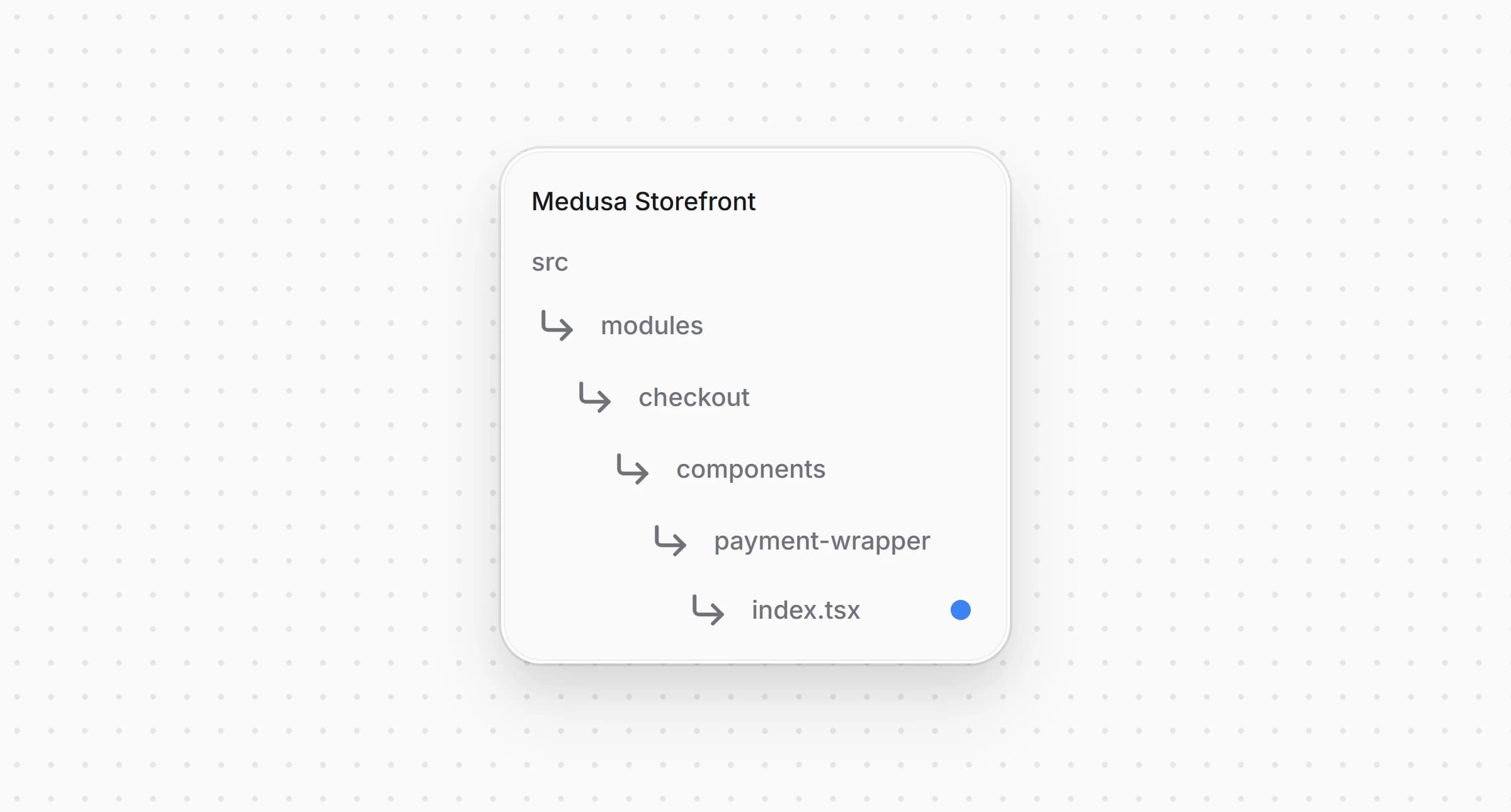
src/modules/checkout/components/payment-wrapper/index.tsx1"use client"23import type React from "react"4import StripeWrapper from "./stripe-wrapper"5import type { HttpTypes } from "@medusajs/types"6import type { StripeConfig } from "@lib/data/stripe"78type PaymentWrapperProps = {9 cart: HttpTypes.StoreCart10 /** The Stripe settings, when Stripe is enabled in the cart's region. */11 stripeConfig: StripeConfig | null12 children: React.ReactNode13}1415/**16 * Wraps the whole checkout in the Stripe Elements when the cart's region takes Stripe, so the17 * card form and the express checkout row share one deferred PaymentIntent setup. The18 * PaymentIntent is created only when the customer pays.19 */20const PaymentWrapper: React.FC<PaymentWrapperProps> = ({21 cart,22 stripeConfig,23 children,24}) => {25 if (stripeConfig && (cart.total ?? 0) > 0) {26 return (27 <StripeWrapper cart={cart} config={stripeConfig}>28 {children}29 </StripeWrapper>30 )31 }3233 return <div>{children}</div>34}3536export default PaymentWrapper
now takes the Stripe settings as a prop and wraps the checkout in the Elements only when it has them and the cart has something to pay.
Open and pass the settings to the wrapper:
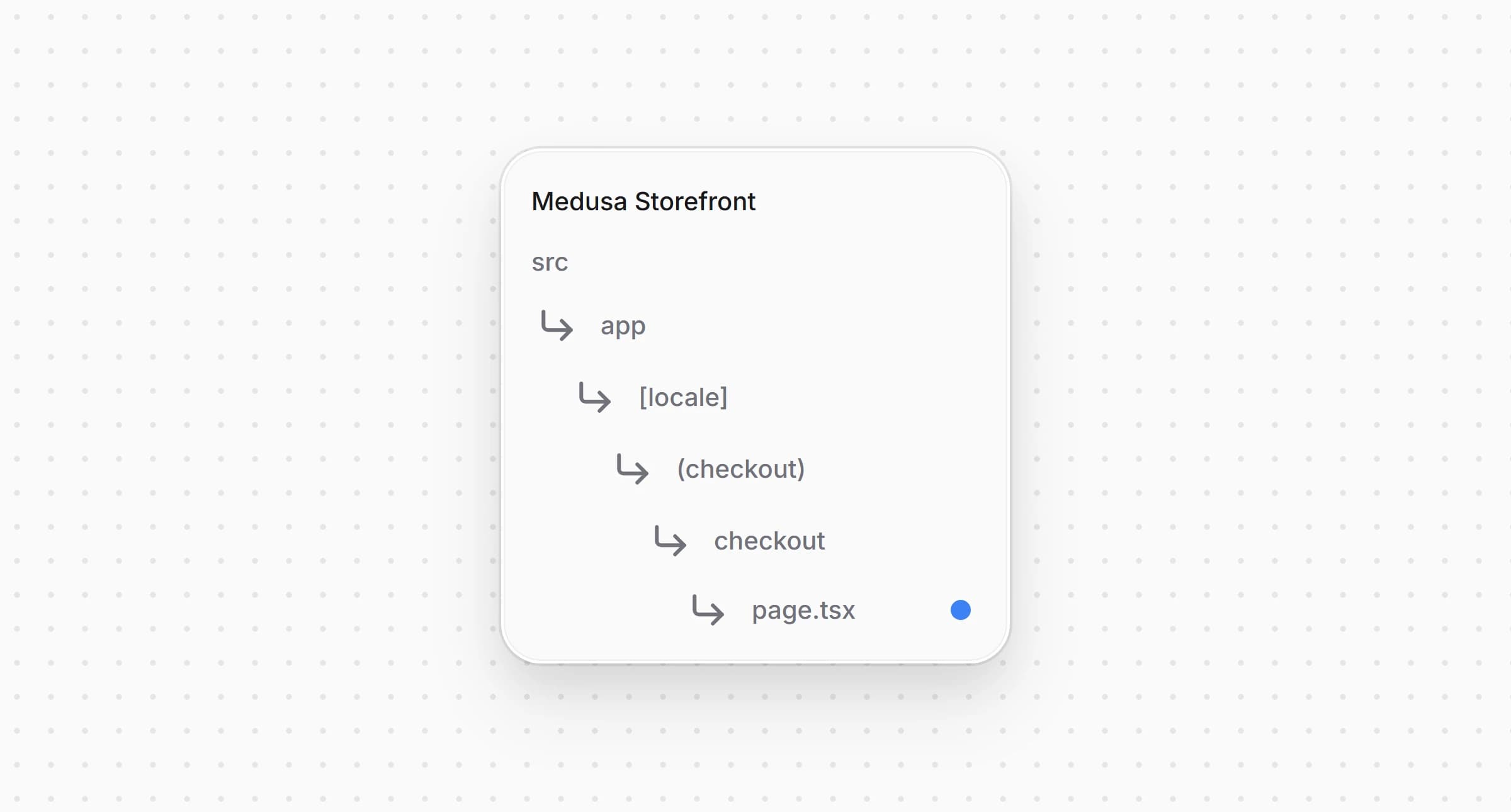
src/app/[locale]/(checkout)/checkout/page.tsx1import { listCartPaymentMethods } from "@lib/data/payment"2import { getStripeConfig } from "@lib/data/stripe"3import { isStripeLike } from "@lib/constants"4// ...56export default async function Checkout() {7 // ...8 const [customer, paymentMethods, stripeConfig] = await Promise.all([9 retrieveCustomer(),10 listCartPaymentMethods(cart.region?.id ?? ""),11 getStripeConfig(),12 ])13 // the Elements wrap the checkout only where the cart's region takes Stripe14 const regionTakesStripe = (paymentMethods ?? []).some((method) =>15 isStripeLike(method.id)16 )1718 return (19 <PaymentWrapper20 cart={cart}21 stripeConfig={regionTakesStripe ? stripeConfig : null}22 >23 {/* ... */}24 </PaymentWrapper>25 )26}
The page loads the settings on the server, together with the payment providers of the cart's region, and passes them only when Stripe is enabled in that region. Loading them in the page means the Elements are there from the first render, so the checkout form does not mount twice.
The payment step shows the Payment Element, which lists the payment methods of your Stripe account.
Open and pass the option to the :
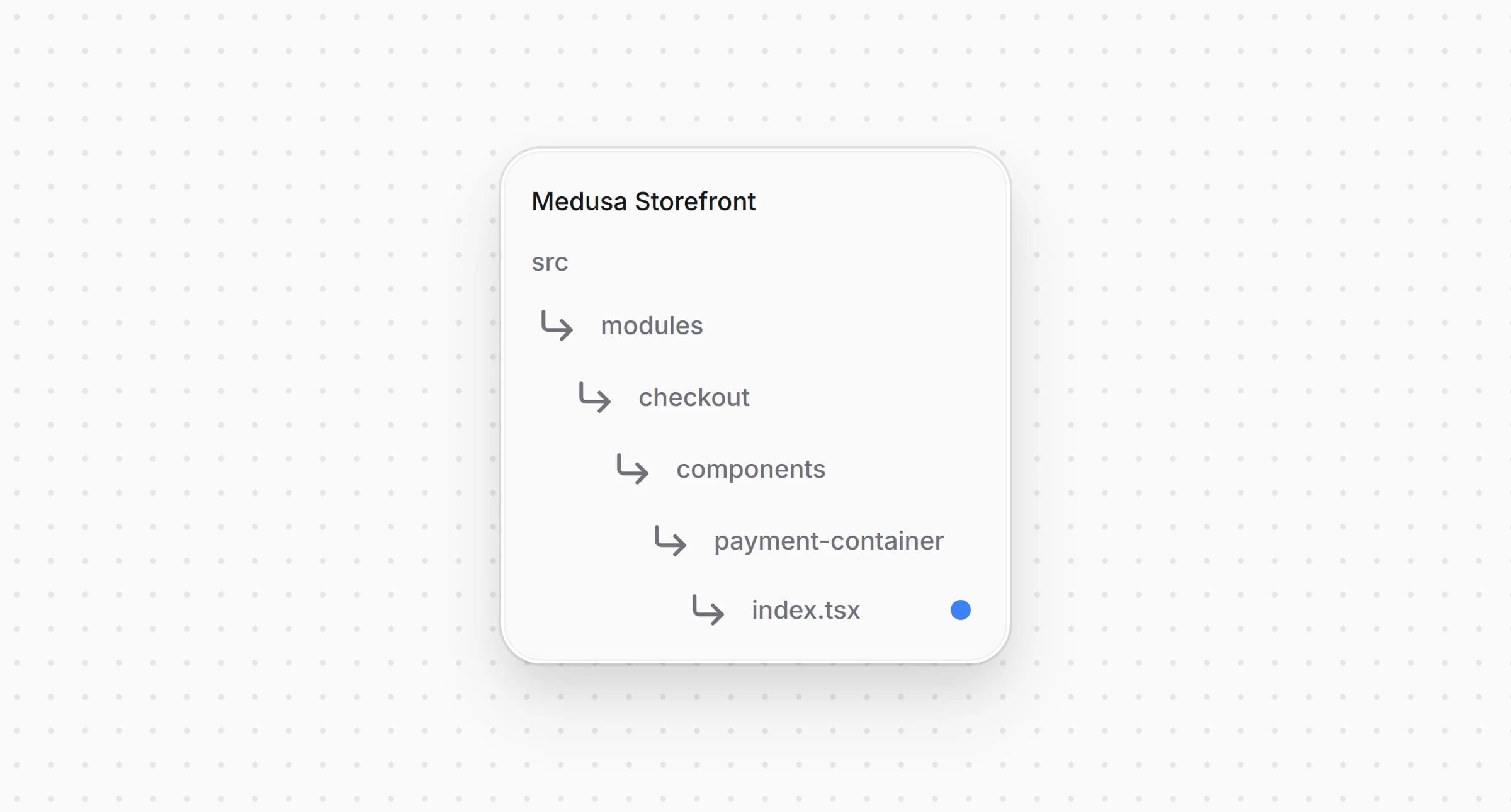
src/modules/checkout/components/payment-container/index.tsx1<PaymentElement2 // the checkout already has the billing address and passes it on3 // when the payment is confirmed4 options={{5 layout: "accordion",6 fields: { billingDetails: { address: "never" } },7 }}8 // ...9 />
The checkout already asks for the billing address, so the Payment Element does not ask for it again. The pay button passes the address when it confirms the payment.
The pay button is where the PaymentIntent comes to exist.
Open and replace its code with the following:
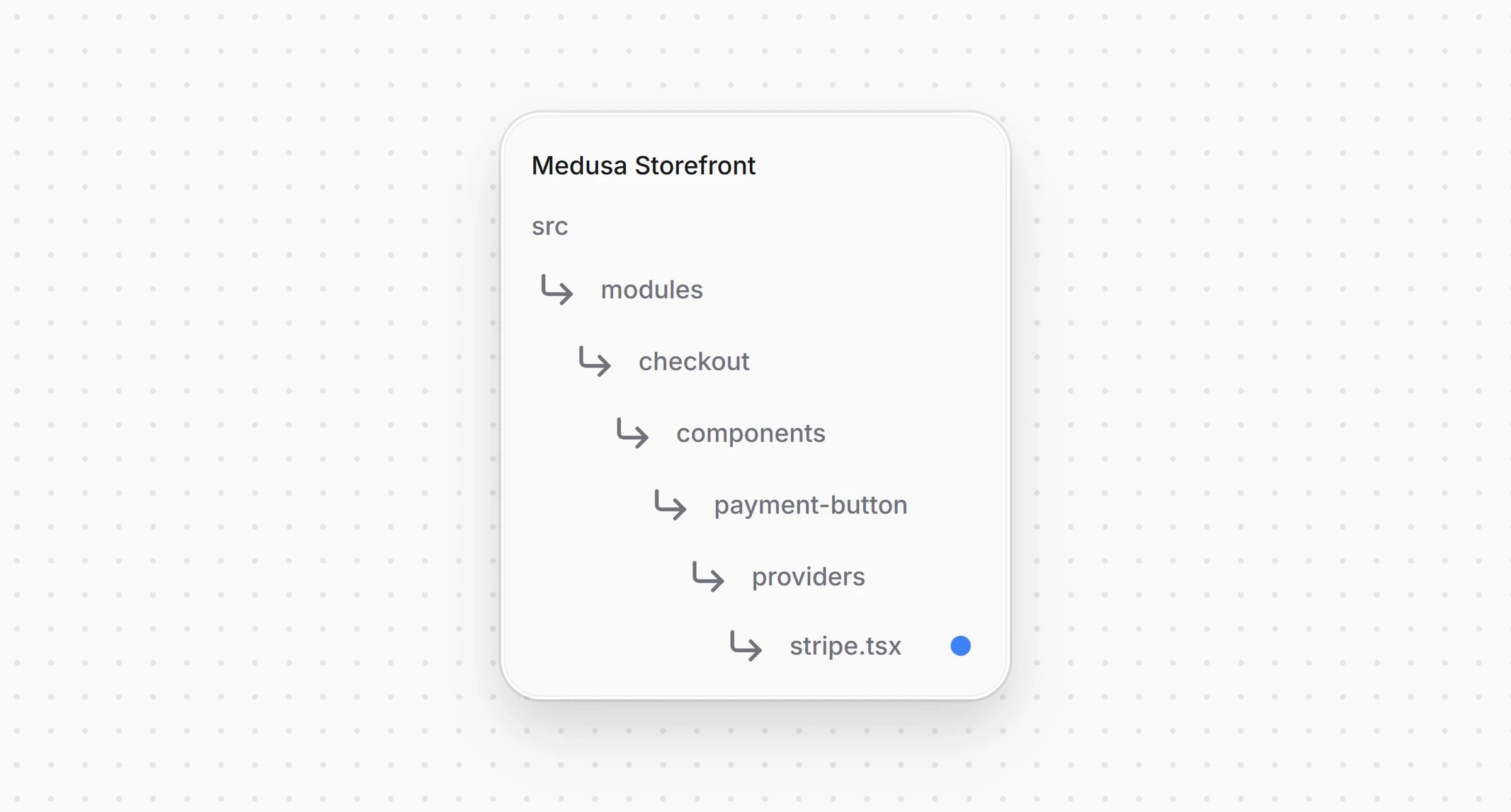
src/modules/checkout/components/payment-button/providers/stripe.tsx42 } as PaymentMethodCreateParams.BillingDetails43}4445/**46 * Pays with the Payment Element. The PaymentIntent does not exist until here. The button47 * validates the form, starts the payment session, which creates the PaymentIntent with the48 * cart's final amount and delivery address, and confirms it with the session's client secret.49 */50const StripeConfirmButton = ({51 cart,52 providerId,53 notReady,54 label,55 cartUpdating,56 "data-testid": dataTestId,57}: PaymentProviderButtonProps & { providerId: string }) => {58 const locale = useLocale()59 const stripe = useStripe()60 const elements = useElements()61 const {62 submitting,63 setSubmitting,64 errorMessage,65 setErrorMessage,66 completeOrder,67 } = usePlaceOrder()6869 const fail = (message?: string | null) => {70 setErrorMessage(message || null)71 setSubmitting(false)72 }7374 const handlePayment = async () => {75 if (!stripe || !elements || !cart || submitting) {76 return77 }7879 setSubmitting(true)80 setErrorMessage(null)8182 const { error: formError } = await elements.submit()83 if (formError) {84 return fail(formError.message)85 }8687 let clientSecret: string | undefined88 try {89 const { payment_collection } = await initiatePaymentSession(cart, {90 provider_id: providerId,91 })92 const session = payment_collection?.payment_sessions?.find(93 (s) => s.provider_id === providerId && s.status === "pending"94 )95 clientSecret = session?.data?.client_secret as string | undefined96 } catch (err) {97 return fail(err instanceof Error ? err.message : String(err))98 }99 if (!clientSecret) {100 return fail("The payment could not be started.")101 }102103 const { error, paymentIntent } = await stripe.confirmPayment({104 elements,105 clientSecret,106 confirmParams: {107 return_url: `${window.location.origin}/api/payment-return?cart_id=${cart.id}&locale=${locale}`,108 payment_method_data: {109 billing_details: toBillingDetails(cart),110 },111 },112 // Only leave the site when the selected method actually requires it, so113 // card payments still complete inline.114 redirect: "if_required",115 })116117 if (error) {118 if (isPaymentSettled(error.payment_intent?.status)) {119 return completeOrder()120 }121 return fail(error.message)122 }123 if (isPaymentSettled(paymentIntent.status)) {124 return completeOrder()125 }126 setSubmitting(false)127 }128129 return (130 <PaymentButtonShell131 label={label}132 onClick={handlePayment}133 disabled={!stripe || !elements || notReady}134 loading={submitting || cartUpdating}135 errorMessage={errorMessage}136 errorTestId="stripe-payment-error-message"137 data-testid={dataTestId}138 />139 )140}141142/**143 * The checkout leaves out the Stripe Elements when Stripe is not configured in the Admin or144 * the cart has nothing to pay. The button then stays disabled instead of calling `useStripe()`145 * outside the Elements provider.146 */147const StripePaymentButton = (148 props: PaymentProviderButtonProps & { providerId: string }149) => {150 const stripeReady = useContext(StripeContext)151152 if (!stripeReady) {153 return (154 <PaymentButtonShell155 label={props.label}156 onClick={() => {}}157 disabled158 loading={props.cartUpdating}159 errorMessage={null}160 errorTestId="stripe-payment-error-message"161 data-testid={props["data-testid"]}162 />163 )164 }165166 return <StripeConfirmButton {...props} />167}168169export default StripePaymentButton
When the customer clicks the button, it validates the Payment Element with , starts the payment session, and reads the PaymentIntent's client secret from the session. then confirms the PaymentIntent with the form's details and the billing address from the checkout. A card payment completes on the page, and a method that sends the customer to another site, such as iDEAL, brings them back through . Once the PaymentIntent is or , the button places the order. If the checkout has no Stripe Elements, because Stripe is not configured in the Admin or the cart total is zero, the button stays disabled.
The payment button dispatcher needs the provider id to start Stripe's session.
Open and pass to the Stripe button:
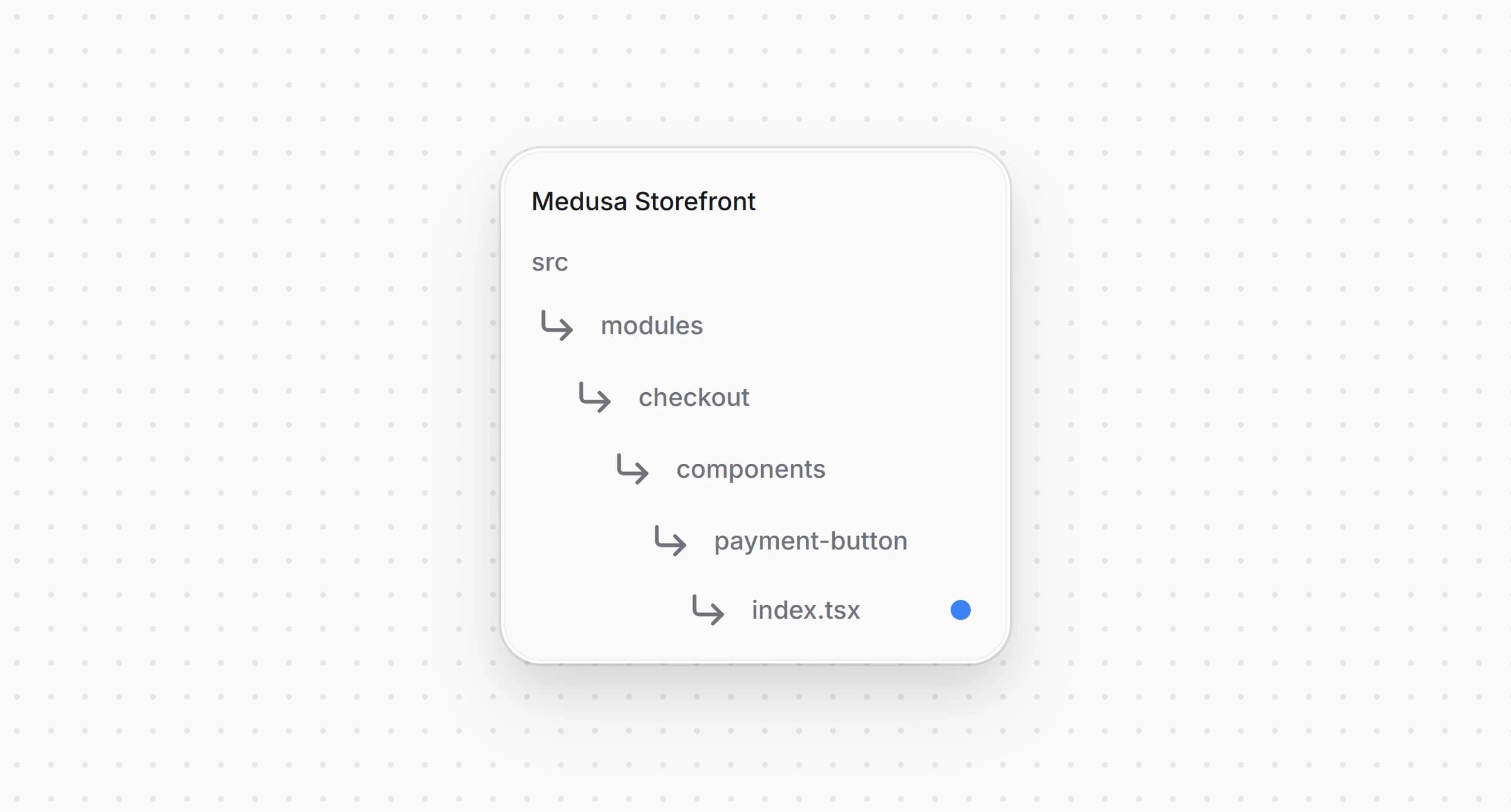
src/modules/checkout/components/payment-button/index.tsx1// ...2 switch (true) {3 case isStripeLike(activePaymentMethod):4 return (5 <StripePaymentButton {...providerProps} providerId={activePaymentMethod} />6 )7 // ...8 }
The dispatcher already picks the Stripe button for providers, and the button now also receives the id of the provider it pays with.
The express checkout row shows Apple Pay, Google Pay and Link above the checkout form, through Stripe's Express Checkout Element. The row and its registry come with the starter and are described in Set Up Express Checkout.
Create and add the following code:
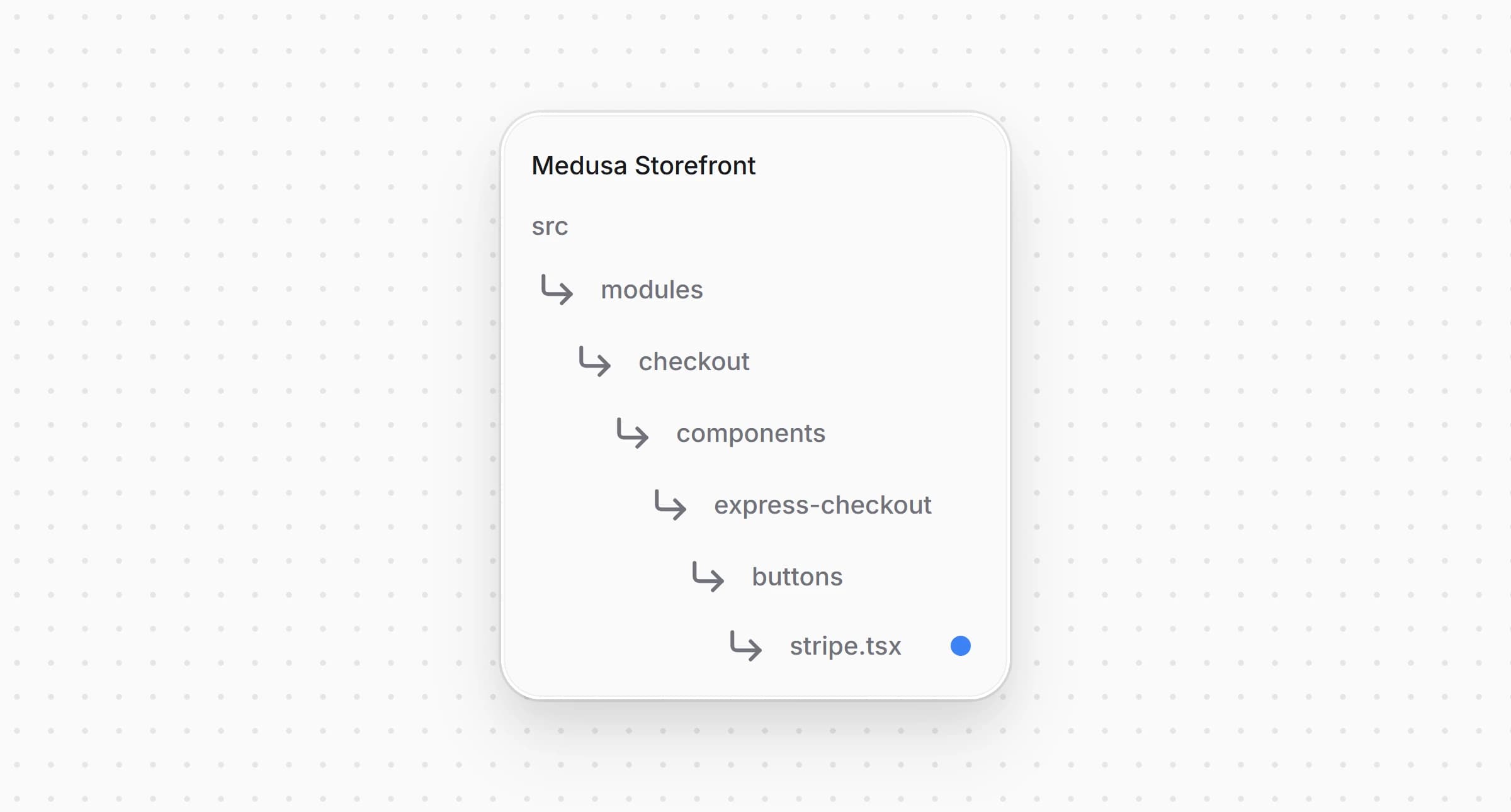
src/modules/checkout/components/express-checkout/buttons/stripe.tsx46}4748function StripeWalletButton({49 cart,50 providerId,51 shippingOptionId,52 onUnavailable,53 onError,54 onBusy,55 placeOrder,56 onClosed,57}: ExpressButtonProps) {58 const t = useTranslations("CheckoutPage")59 const locale = useLocale()60 const stripe = useStripe()61 const elements = useElements()62 const currency = cart.currency_code63 // what the wallet sheet shows, the quoted shipping and the total the customer approves64 const rateRef = useRef<ShippingRate | null>(null)65 const shownTotalRef = useRef<number | undefined>(undefined)6667 const currentShipping = cart.shipping_methods?.at(-1)68 const initialRate: ShippingRate = {69 id: currentShipping?.shipping_option_id ?? "shipping",70 displayName: currentShipping?.name ?? t("shippingCost"),71 amount: toStripeAmount(currentShipping?.amount ?? 0, currency),72 }7374 const fail = (75 event: StripeExpressCheckoutElementConfirmEvent,76 error: Parameters<ExpressButtonProps["onError"]>[0]77 ) => {78 event.paymentFailed({ reason: "fail" })79 onError(error)80 onBusy(false)81 onClosed()82 }8384 const handleShippingAddressChange = async (85 event: StripeExpressCheckoutElementShippingAddressChangeEvent86 ) => {87 try {88 // the wallet shares only the city, region, postal code and country before payment89 const quote = await quoteExpressShipping(90 {91 country_code: event.address.country,92 province: event.address.state,93 city: event.address.city,94 postal_code: event.address.postal_code,95 },96 rateRef.current?.id ?? shippingOptionId97 )98 if (!quote.ok) {99 return event.reject()100 }101 rateRef.current = {102 id: quote.shipping_option_id,103 displayName: quote.shipping_option_name,104 amount: toStripeAmount(quote.shipping_total, quote.currency_code),105 }106 shownTotalRef.current = quote.total107 elements?.update({ amount: toStripeAmount(quote.total, quote.currency_code) })108 event.resolve({ shippingRates: [rateRef.current] })109 } catch {110 event.reject()111 }112 }113114 const handleConfirm = async (event: StripeExpressCheckoutElementConfirmEvent) => {115 if (!stripe || !elements) {116 return fail(event, { code: "failed" })117 }118 onBusy(true)119120 const { error: formError } = await elements.submit()121 if (formError) {122 return fail(event, { code: "failed", cause: formError })123 }124125 try {126 const address = event.shippingAddress?.address127 // the full address arrives only now, after the customer approved the payment128 const saved = await saveExpressContact(129 {130 email: event.billingDetails?.email,131 phone: event.billingDetails?.phone,132 shipping_address: address133 ? {134 ...splitName(event.shippingAddress?.name),135 address_1: address.line1,136 address_2: address.line2,137 city: address.city,138 province: address.state,139 postal_code: address.postal_code,140 country_code: address.country,141 }142 : null,143 },144 rateRef.current?.id ?? shippingOptionId,145 shownTotalRef.current146 )147 if (!saved.ok) {148 // no PaymentIntent exists yet, so nothing was charged149 return fail(150 event,151 saved.reason === "totalChanged"152 ? { code: "totalChanged", total: saved.total, currency_code: saved.currency_code }153 : { code: saved.reason }154 )155 }156157 // the wallet sends its delivery address with the confirmation, so the provider sets none158 const session = await startExpressPayment(providerId, { express: true })159 const clientSecret = session.client_secret160 if (typeof clientSecret !== "string") {161 return fail(event, { code: "failed" })162 }163164 const { error, paymentIntent } = await stripe.confirmPayment({165 elements,166 clientSecret,167 confirmParams: {168 return_url: `${window.location.origin}/api/payment-return?cart_id=${cart.id}&locale=${locale}`,169 },170 redirect: "if_required",171 })172 const status = error ? error.payment_intent?.status : paymentIntent.status173 if (!isPaymentSettled(status)) {174 onError({ code: "failed", cause: error })175 onBusy(false)176 onClosed()177 return178 }179 await placeOrder()180 } catch (err) {181 if (isNavigation(err)) return182 onError({ code: "failed", cause: err })183 onBusy(false)184 onClosed()185 }186 }187188 return (189 // `isolate` keeps the wallet iframes under the checkout modals190 <div className="isolate">191 <ExpressCheckoutElement192 options={{193 emailRequired: true,194 phoneNumberRequired: true,195 shippingAddressRequired: true,196 allowedShippingCountries: (cart.region?.countries ?? [])197 .map((country) => country.iso_2?.toUpperCase())198 .filter((code): code is string => Boolean(code)),199 // PayPal has its own plugin, and Klarna and Amazon Pay need the pre-authorized200 // amount to match the final one201 paymentMethods: {202 applePay: "auto",203 googlePay: "auto",204 link: "auto",205 paypal: "never",206 klarna: "never",207 amazonPay: "never",208 },209 buttonHeight: 48,210 layout: { maxColumns: 3, overflow: "never" },211 }}212 onReady={({ availablePaymentMethods }) => {213 if (!availablePaymentMethods) onUnavailable()214 }}215 onLoadError={() => onUnavailable()}216 onClick={(event) => {217 // resolved within Stripe's one second, so nothing here waits on the server218 onError(null)219 rateRef.current = null220 shownTotalRef.current = undefined221 event.resolve({ shippingRates: [initialRate] })222 }}223 onShippingAddressChange={handleShippingAddressChange}224 onShippingRateChange={(event) => event.resolve()}225 onConfirm={handleConfirm}226 onCancel={() => {227 onBusy(false)228 onClosed()229 }}230 />231 </div>232 )233}234235/** Tells the row there is no Stripe button where the checkout is not inside the Stripe Elements. */236function Unavailable({ onMount }: { onMount: () => void }) {237 useEffect(onMount, [onMount])238 return null239}240241/**242 * Apple Pay, Google Pay and Link in the express checkout row. The customer picks the address243 * in the wallet, the row answers with the shipping and the new total, and the PaymentIntent is244 * created and confirmed once they approve.245 */246export default function StripeExpressButton(props: ExpressButtonProps) {247 const insideElements = useContext(StripeContext)248 if (!insideElements) {249 return <Unavailable onMount={props.onUnavailable} />250 }251 return <StripeWalletButton {...props} />252}
The button answers the wallet's events with the functions from :
The wallets appear only on a domain registered with Stripe, as described in Register Domains for Wallets. Where the cart's region has no Stripe, the checkout has no Elements, and the button tells the row it is unavailable.
Open and add the button to the registry:
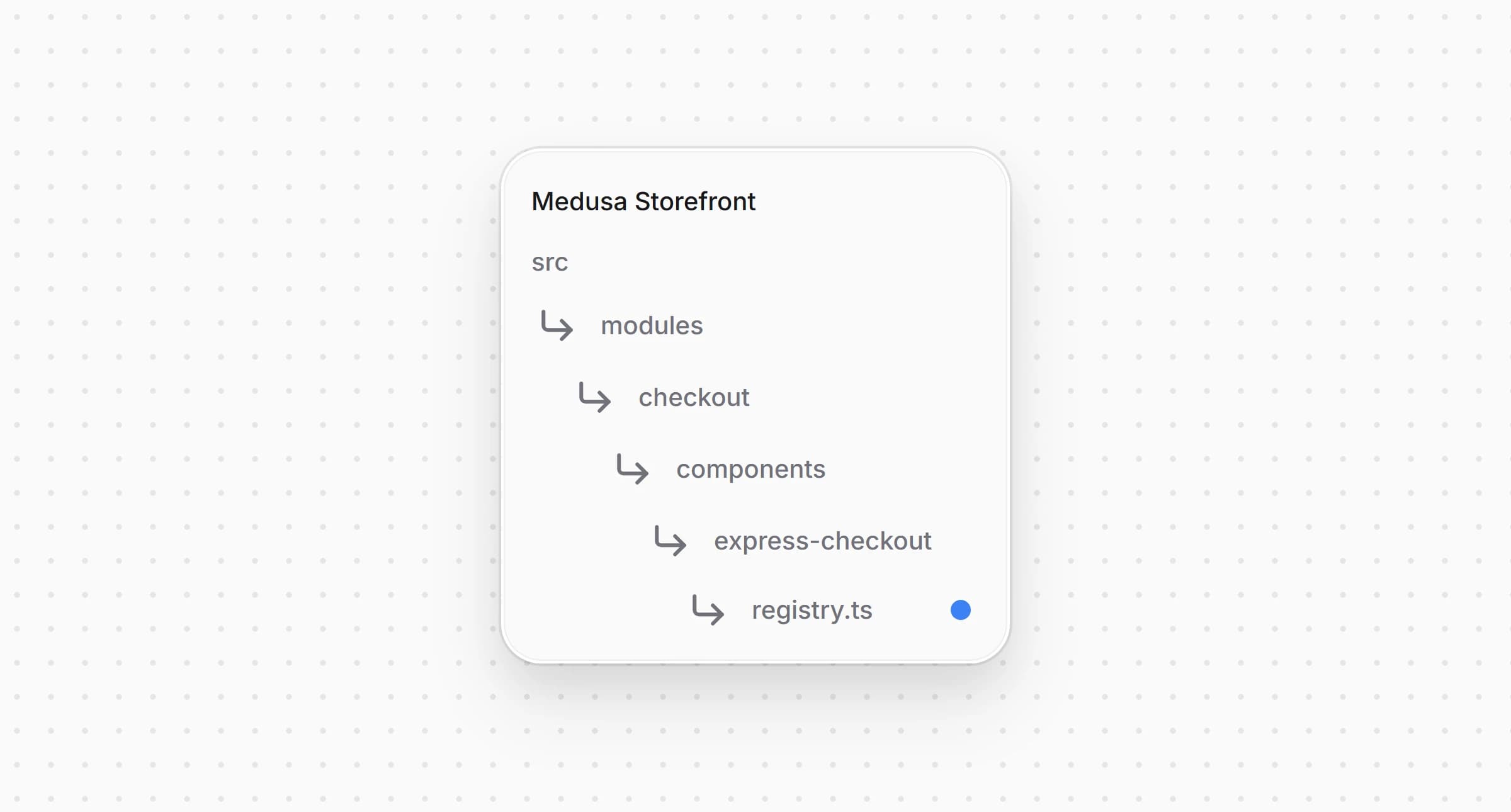
src/modules/checkout/components/express-checkout/registry.ts1import StripeExpressButton from "./buttons/stripe"23// ...45export const expressButtons: {6 match: (providerId: string) => boolean7 Component: ComponentType<ExpressButtonProps>8}[] = [9 { match: (providerId) => Boolean(isStripeLike(providerId)), Component: StripeExpressButton },10]
The row shows the button when the cart's region has a provider that accepts.
Change in and in every other locale under :
messages/en.json1{2 "PaymentMethods": {3 // ...4 "pp_stripe_stripe": {5 "title": "Stripe",6 "subtitle": "Cards, wallets"7 }8 }9}
A locale missing an entry falls back to the English and from in Step 2.
The complete storefront is located at , built on the Medusa DTC Starter by Gorgo. The example's own README lists every file the integration consists of, backend included.